Transmit live video streams over Wi-Fi. Connect devices to share footage in real time. Support multiple devices on the same network. Record and replay video clips. Control camera settings remotely.
by 俊生 黄★ 3.02 ratingsPhoto & VideoFreeData updated 2026-09-06
Record content with one tap, including apps, games, and tutorials. Live stream to YouTube, Facebook, and Twitch with phone and camera. Add face-cam reactions and audio commentary. Trim, crop, and merge video clips.
Monitor and control IP cameras and HDCVI DVR/NVR systems remotely. live and recorded footage, adjust camera settings, and receive motion alerts. Manage multiple devices and access recordings from anywhere.
Stream web videos and camera-roll footage to devices. Support formats include MP4, M3U8, HLS, and HTTPS. videos with a single tap after link detection. View full HD content on a large screen.
View live video feeds from multiple cameras and receive instant push notifications. Playback recorded video to review events. Manually record video or take snapshots to send. Set up and control the security system.
Record video with real-time voice-following . Adjust text size and position. Sync speech recognition to control prompt speed. Export final video directly.
Create and manage team videos with automatic replay generation from live streams. Upload and share videos with athletes, families, and coaches. Clip highlights from any video for easy sharing.
Watch 360° of events, destinations, and behind-the-scenes content. Control camera movement and interact with immersive streams or recorded footage. View content with or without a VR headset.
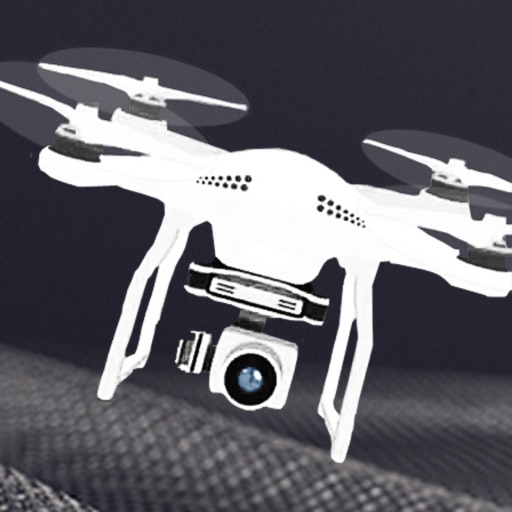
Control quadrotor, view real-time video, take photos
Control a quadrotor drone via WiFi. View real-time video feed from the drone's camera. Capture and save photos. Record video footage on the device. Supports 720p resolution.
Turns iPhone into a source for OBS via NDI or direct connection. Supports high-quality video with low latency. Allows streaming, recording, and video conferencing. Enables real-time preview and control of settings.
Control your TV or streaming device via the . Connect devices to the same WiFi network for automatic setup. Use a trackpad or traditional layout to navigate. Access all installed apps and channels directly.
Record video with manual focus, shutter speed, ISO, and white balance settings. Capture in customizable resolutions, frame rates, and color spaces. Sync multi-cam sessions across up to four devices.
View real-time HD video from cloud cameras and access video history. Receive alerts for abnormal activity. Control camera direction remotely via touch. Monitor homes, shops, and offices. Take immediate safety precautions.
Watch live footage from 4.0/5.0 via . Start and stop recording. View and download videos to device. Share videos directly. Control camera settings remotely. Connect to camera on iOS device.
Monitor home security with live HD video and two-way audio from IP cameras and doorbells. View real-time footage on iPhone or iPad. Receive motion alerts and customize camera angles. Integrate with Amazon Alexa for voice commands.