The app allows users to create pixel art characters or landscapes using their fingers. It includes a color history feature to store four colors per work and a gallery to manage created art.
by DAI WEIJIE★ 5.01 ratingsPhoto & VideoFreeData updated 2026-11-06
Create art by selecting colors and adjusting brush settings. Draw on a -like surface where flows and shifts. Manipulate to blend colors or form shapes. Use the dynamic behavior for creative expression and artistic experimentation.
Explore a magical world where kids can journey through vibrant landscapes. Draw and color cute Moshlings using guided tracing activities. Save artwork in a personal gallery for arrangement and decoration. 100% ad-free and safe for .
Create collages by arranging multiple photos into a single square layout. Adjust brightness, contrast, and white balance. Crop, rotate, and apply filters.
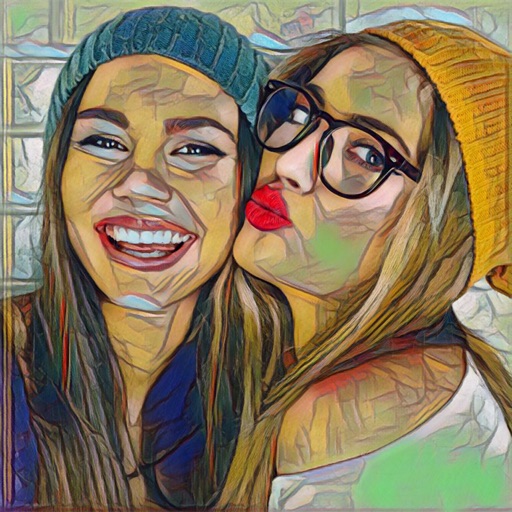
Edit photos with 30+ art and cartoon . Apply hipster-style to images. Save and share edited photos directly. Adjust brightness, contrast, and saturation. Export in standard image formats.
The app allows users to create silhouette effects images and collage pictures. Users can merge photos or collage pattern images into silhouette effects.
Apply woodcut style filters to facial photos for artistic portraits. Use cartoon, watercolor, and mosaic filters for creative effects. Save or share edited photos directly.
Allows users to paint on real-world surfaces like walls, sidewalks, and floors using augmented reality. Users can select colors via a picker or shake for random colors. The dynamic brush adjusts size for detailed or bold strokes.
The app creates videos from phone images and music. Users can create video stories for occasions like weddings and birthdays, sharing them with friends and family.
Explore installations worldwide with detailed descriptions and location data. View related information via embedded Wiki links. Use map software to navigate to sites. Listen to white noise during exploration.