The app allows users to create pixel art characters or landscapes using their fingers. It includes a color history feature to store four colors per work and a gallery to manage created art.
by DAI WEIJIE★ 5.01 ratingsPhoto & VideoFreeData updated 2026-11-06
Solve word search puzzles by finding and marking on a grid. can be horizontal, vertical, or diagonal. Tap to highlight found and hear audio feedback. Use multi-touch to draw strokes. Customize pen colors through achievements.
Children can color eight scenes including playgrounds and beaches using many color pencils. Each pencil has a voice to teach color names. Big, easy-to-use diagrams allow creative coloring with different .
Turn photos into art with AI-powered style transformations. Choose from 12+ artistic styles including anime and comic book. Upscale images to 4K for sharper details. Create avatars without account setup or data storage.
The app provides a blank canvas for children to paint with random brush sizes and colors. Users can set the background color, use photos as backgrounds, and access unlimited undo functionality.
Coloring book allows users to select and apply to illustrated scenes. Features include painting fairytale characters, customizing outfits, and saving completed artworks.
Explore French language, numbers, shapes, and colors through interactive games. Complete art activities, identify geographical locations, and play memory challenges. Track progress and unlock new adventures.
Generate AI art from text inputs to create custom wallpapers. Choose between free and premium wallpapers. Set as home or lock screen. Edit and customize art. Share wallpapers with others.
Create -style images from photos using AI-powered filters. Apply effects like toonify, child, and yellow head. Edit faces and generate 3D avatars. Share edited images directly.
Use augmented reality to draw on any surface. Trace outlines, adjust colors, and add textures. Save and share drawings. Access tutorials for beginners. Export in various formats.
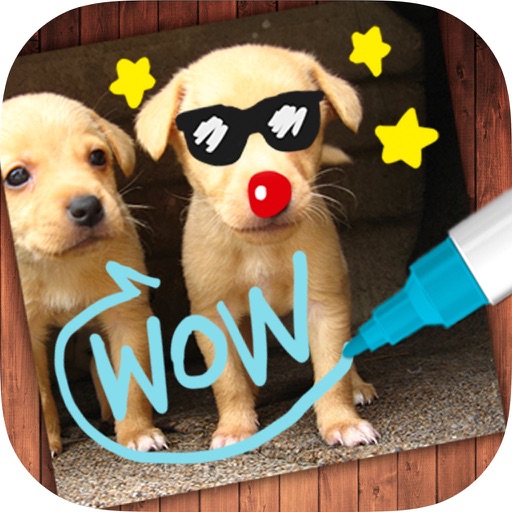
The app allows users to create images by writing notes, drawing, and adding captions. Users can select photos from their gallery or take new ones to add various drawing tools and colors.
Edit photos with and holiday effects. Add text and stickers. Create cards and share edited images directly. Decorate photos with festive themes and access a photo booth feature.
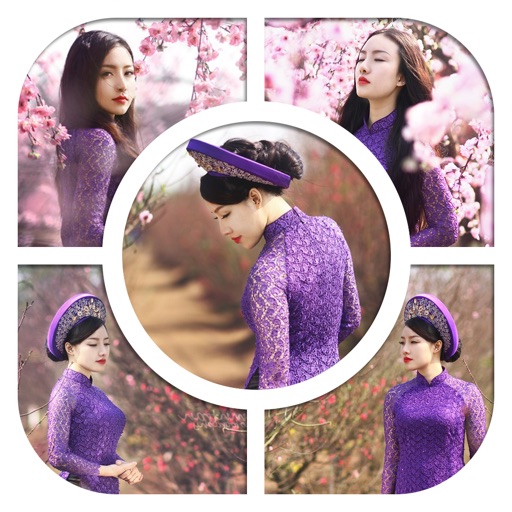
The app enables the creation of rectangular panoramas by combining horizontal and vertical stitching. Users can also use the integrated image editor to enhance, add text, and crop photos.