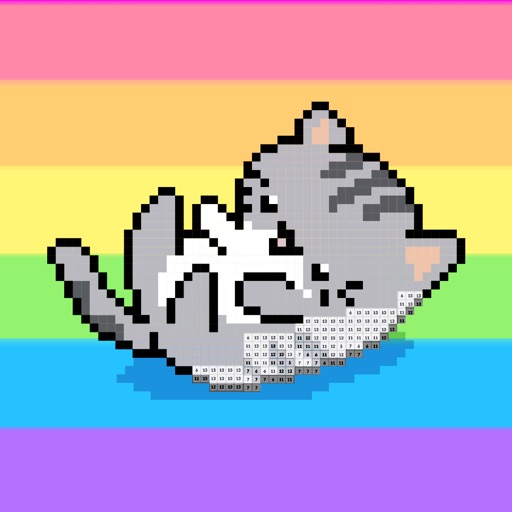
The app allows users to create pixel art characters or landscapes using their fingers. It includes a color history feature to store four colors per work and a gallery to manage created art.
by DAI WEIJIE★ 5.01 ratingsPhoto & VideoFreeData updated 2026-11-06
Create and edit images using AI-generated art based on text prompts. Adjust colors, filters, and styles. Save and share final designs. Collaborate on projects with others in real time. Export in various formats for different uses.
Create collages using various layouts. Stitch screenshots into long screenshots. Add text, stickers, and backgrounds during editing. Export edited content.
The app teaches fast typing and reaction skills with a cartoon caveman and a dinosaur. It offers various difficulty levels with increasing speed and different directions, featuring AI-generated pixel art backgrounds.
Create puzzles from photos or choose from pre-made images. Arrange pieces to complete the picture. Develop attention, observation, and fine motor skills through interactive gameplay. Sync with device gallery for custom puzzles.
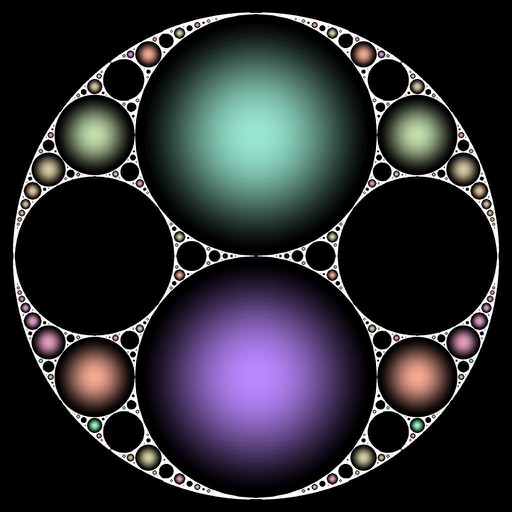
The app transforms pictures and videos into works of art. Users can apply a fractal lens to photos, gallery media, or live camera input, controlling the transformation in real-time with gestures.
Create customizable avatars with various art styles and themes. Design unique appearances and share creations with others. View avatars made by other users and explore different design options.
Create -style artwork from text prompts or photos. Generate high-quality images using AI. Upload images to enhance or modify. Export and share finished artwork.
Convert images and selfies into - illustrations using AI. Choose from various artistic styles including classic and modern digital art. Adjust poses and facial expressions for personalized results. Export and share the generated artwork.
Create and customize pages with finger drawing and stickers. Add , dinosaurs, and fish to pages. Save completed artwork to the gallery and share with others.
Edit photos and drawings with AI filters for artistic styles. Create custom filters using neural networks. Upload images to generate new styles. Draw pixel art and save creations in collections. Publish artwork on NFT platforms.
Create art using 1x1 themed squares. Choose from multiple color options. Save images to device, share via social media, or print for display. Draw classic 8-bit sprites or -themed artwork.
Create collages by selecting multiple images and arranging them in different grid layouts. Add frames from a collection of 100+ designs to enhance images. Build personal stories by organizing photos and sharing them directly.
Create collages with customizable blur backgrounds and adjustable layouts. Apply filters like black and white, vintage, and retro to enhance images. Edit photos by resizing, cropping, or deleting elements.
Edit screenshots by selecting and redacting text, highlighting key details, adding strikethroughs, and drawing freehand annotations. Adjust text appearance with styling options and export edited images.
The app provides digital jigsaw puzzles featuring fine art from accomplished artists. It offers 8 levels of complexity, from 20 to 1110 pieces, and includes a zoom function for convenience.
Edit videos with real-time filters and . Apply lenses like toonify, fire, Instagram, and vintage retro. Adjust colors and settings. Save and share edited videos.