Apps Like Photo Frames - Virtual Glam Up for iPhone and iPad
Integrate pictures with chosen frames.
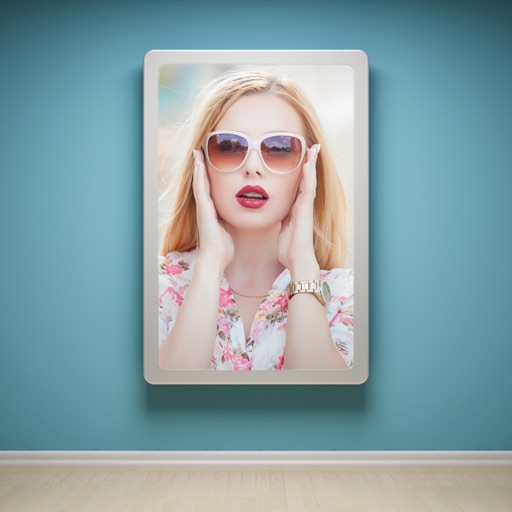
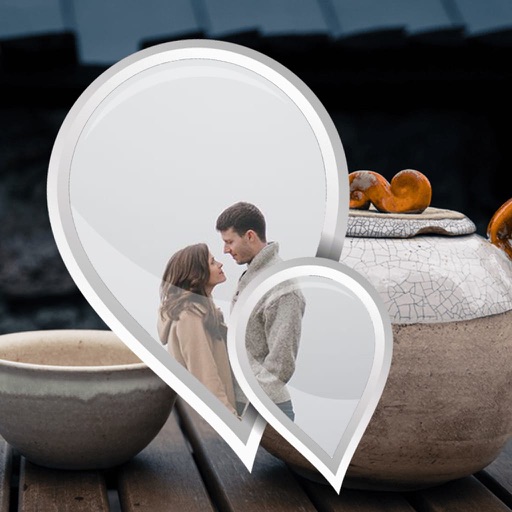
The app allows users to enhance photos with frames, effects, and text. Users can capture new photos or select existing ones from their gallery to integrate with chosen frames.
by Jyoti Yadav★ 1.01 ratingsPhoto & VideoFreeData updated 2026-11-06
Edit photos by applying multiple effects and choosing from various stylish frames. Adjust image position, size, and angle finger gestures. Save and share modified photos directly.
Edit photos by selecting from the gallery or using the camera. Apply various frames and effects. Adjust position, size, and angle of images. Save, share, or upload photos to social networks like Facebook and Twitter.
The app offers tools for photo editing, including frames, layouts, and effects. Users can adjust color balance, brightness, contrast, and saturation, and apply sharpening or blurring.
Edit photos with AI-powered cutout tools and apply designer . Create puzzles with auto-generated templates or customize backgrounds and add effects. Access daily new and puzzles. Export 4K images for sharing.
Edit photos by selecting from the gallery or capturing new ones. Apply multiple and effects. Adjust image position, size, and angle. Save, share, or upload to social media platforms like Facebook and Twitter.
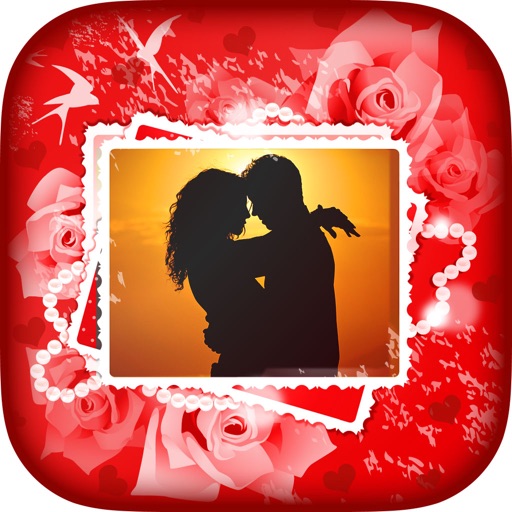
Edit photos with romantic frames and backgrounds. Add text and stickers. Adjust brightness and contrast. Crop images and apply filters. Share edited photos directly.
Create custom wallpapers with scaling and resizing options on various backgrounds. Choose from color, gradient, pattern, bokeh, and text effects. Apply parallax effect for all iPhone and iPad devices.
Create frames with filters, text, and stickers. Add photos to cakes with customizable designs. Share edited images directly. Includes 150+ options and cake templates.
The app provides custom photo frames for Chinese New Year celebrations. Users can capture or select photos, apply various traditional and modern frames, and adjust images.
Edit photos and videos to post full size content to Instagram and other platforms without cropping. Add audio, effects, frames, text, stickers, and overlays. Trim, rotate, scale, and flip media.
Edit photos by selecting from the gallery or using the camera. Apply multiple and effects. Adjust position, size, and angle. Save, share, or upload images to social networks like Facebook and Twitter.
The app allows users to edit photos by cropping and rotating them. It offers various frames and special effects, including classic, fashion, and artistic styles.
Add to images with various design options. Edit and enhance photos with built-in filters. Share edited photos directly to social media or messaging apps. Save and organize framed photos in a gallery.
Edit photos by selecting from the gallery or capturing with the camera. Apply multiple and effects. Adjust image position, size, and angle. Save, share, or upload photos to social networks like Facebook and Twitter.
The app allows users to place their photos into famous landmarks and historical places. Users can select pictures from their gallery or take new ones to embed into backgrounds like the Taj Mahal or Eiffel Tower.
Create and share framed photos with religious and cultural decorations. Add greetings, wishes, and prayers to images. Customize with Islamic motifs and export edited photos to social media.
Create professional-quality graphics by adding overlays, fonts, backgrounds, and filters to photos. Edit images with cropping and adjustments. Share designs directly to social media platforms.
The app provides layouts, backgrounds, and frames for designing photo collages. Users can select templates, upload photos, and adjust them with effects, resizing, or rotation.