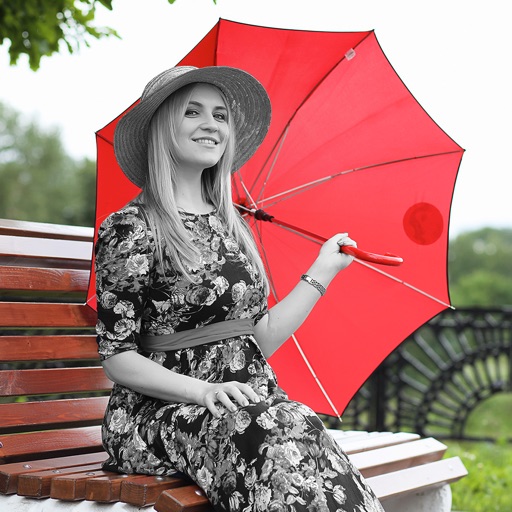
The app allows users to apply an iOS8 blurred effect to pictures. Users can get a photo from the Camera Roll or take a new one, apply the filter, and then save or share it.
by Miguel Lorenzo★ 1.01 ratingsPhoto & VideoFreeData updated 2026-11-05
Record messages and apply audio like echo, pitch shift, and speed changes. Share modified recordings directly with contacts or social media. Adjust volume and save files in various formats.
Decorate photos with customizable and effects. Select images from the gallery or capture new ones. Adjust position, size, and angle. Save, share, or upload edited photos to social media platforms.
Edit photos using over 300 effects and 50 filters. Apply bokeh and styles with one tap. Share edited photos to social media platforms. Adjust brightness, contrast, and saturation. Crop and rotate images. Export in various formats.
Edit photos by applying 40+ overlay effects and adjusting transparency. Add light effects for enhanced visuals. Save edited photos and share them directly.
The app protects photos with a password and organizes them into personalized albums. Users can import photos from albums and the camera, zoom, and share pictures.
Create looping videos from any footage or Live Photo. Apply filters, animated overlays, and editing tools. Add music for enhanced effect. Share directly from the .
The app offers 64 visual effects across 7 classifications to modify pictures. Users can adjust parameters like contrast and brightness, and utilize a mask editing system with various brushes for detailed portion modification.
The app allows users to create and share their own photo filters. Users can also style photos using filters made by others and discover filters from friends.
Edit photos with adjustment tools, stickers, frames, textures, effects, and a wide range of filters. Add text and apply effects. edited photos directly from the .