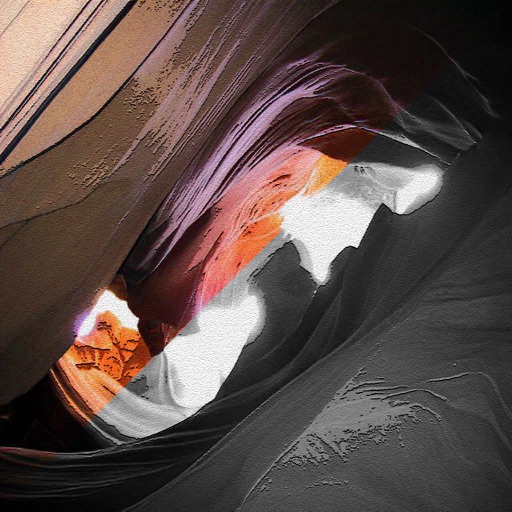
The app allows users to apply an iOS8 blurred effect to pictures. Users can get a photo from the Camera Roll or take a new one, apply the filter, and then save or share it.
by Miguel Lorenzo★ 1.01 ratingsPhoto & VideoFreeData updated 2026-11-05
Edit photos and videos with AI-powered tools, apply cinematic and anime styles, and use prompts to generate creative effects. Adjust colors, crop, and add text. Share edited content directly.
Edit photos into customizable grids with layout options, shapes, and frames. Add text and messages. Apply filters and effects. Stitch multiple images into a single composition. Export and share edited collages.
The app offers over 200 free effects, including Hall of Mirrors, psychedelic colors, and kaleidoscope views. Users can apply these effects to photos and share them via social media.
The app creates puzzles from selected pictures in a photo album or from a camera. Users can adjust the picture's position and scale before it becomes a puzzle.
The app allows users to create and animate stickers using photos from their camera or camera roll. Users can animate stickers by setting handles and using a timeline, and can also integrate video and audio.
Edit photos with blur background settings, shattering effects, and color frames. Add overlays and crop, rotate, or flip images. Import from gallery or camera, and share edited photos to social media.
Apply and stickers to photos to enhance their romantic appearance. Add decorative elements to create memorable images. Save and share edited photos with enhanced visual effects.