The app provides manual controls for focus, exposure, and white balance, allowing for more complex photographic and video results. These adjustments can be applied to both photos and videos, offering greater creative flexibility.
by RIEU Limited★ 4.413 ratingsPhoto & VideoFreeData updated 2026-11-05
The app allows users to take three pictures and combine them into a single creation. It offers features like super wide pictures, cloning, and continuous actions with easy alignment.
Take photos with adjustable resolution options for different styles. Compare templates during shooting for reference. Choose from various photographic styles including classical and HD formats. Adjust settings for sharpening and resolution.
Control camera settings remotely via Bluetooth. Trigger long-exposure shots at set intervals for time-lapse videos. Support for multiple camera models. Enable bulb mode for extended exposures.
Adjust camera settings with sliders for distance, aperture, and lens. Instantly view calculations for exposure. Choose between metric or imperial units. Edit photos with basic tools. Share images directly from the .
Learn about film photography principles, including camera types like Instants and Point-and-Shoot. Explore film camera mechanics, develop processes, and understand exposure settings.
The app helps users adjust and control motorized tilt and pan for Logitech QuickCam Orbit AF and Logitech BCC950 ConferenceCam. It allows users to change auto-exposure mode, exposure time, gain, brightness, saturation, contrast, and more.
Landscape photography exposure calculators made simple.
This app provides 8 calculators for landscape photography, including ND filters, minimum shutter speed, and star photography. It features a timer with notifications, a Home screen widget, and an Apple Watch app for long exposures.
Monitor and control cameras via Wi-Fi for live view, focus adjustment, and shutter control. Support for Canon, Panasonic, Sony, and Teradek devices. Check recording formats and image quality before purchase.
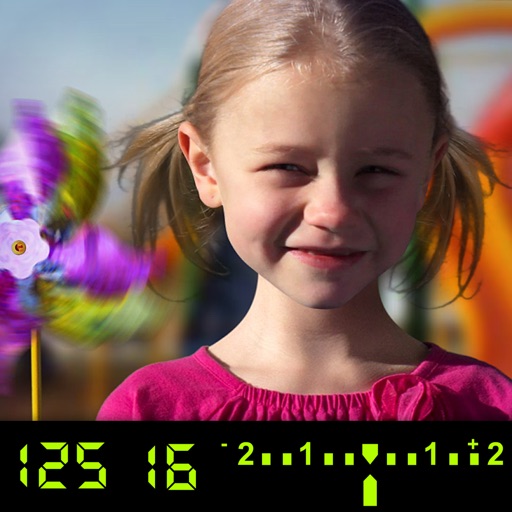
The app visually explains DSLR camera controls. Users can experiment with settings and see the effects on a sample image, receiving feedback on their choices.