Post images without cropping for Instagram Stories. Choose from vibrant background colors, adjustable blur, and various patterns. Adjust background opacity and fit photos in any orientation. Share directly to Stories without edits.
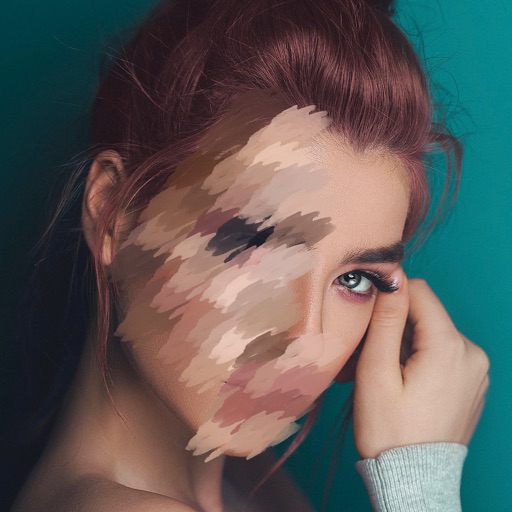
Edit photos and videos by automatically recognizing and processing backgrounds. Choose from four recognition methods including transparency, blur, and replacement. Process only the subject or apply effects like fluffy, mosaic, monochrome, or sepia.
Edit photos with effect and features. backgrounds and apply black-and-white conversion. Select areas for contrast. Zoom with two-finger pinching. Adjust brush size, opacity, and offset. Export edited images.
Edit photos adjustable temperature, tint, and exposure settings. Use texture blending tools and apply effects. Add stickers opacity and shadow control, and include text 3D effects and multiple fonts. Crop, rotate, and straighten images.
Create artistic images with single-tap camera effects and professionally designed filters. Adjust brightness, contrast, and tone curve. Blur and focus images. Rotate, crop, and resize photos. Add text and fun stickers.
Combine multiple photos into a single image. Create mosaics by arranging images horizontally or vertically. Apply blur effects to individual images. up to 50 or more photos in a single layout. Share the final composition directly.
Create digital paintings using layers, masks, and clipping. Apply smudge and blur tools for texture. Draw shapes and use pure colors. Erase parts of artwork. Save and share completed pieces.
Take photos or select from gallery. Apply beauty filters and edit selfies. Use over 240 filters and 800+ stickers. Crop photos and adjust sizes. Edit photos with built-in effects and blending tools.