
Tilt de Brightness-Best Dimmer
Kazutaka Kikuchi
Change brightness by tilting device.
The app changes screen brightness by tilting the device. Users can customize brightness levels on all four sides.
Capture photos and toggle resolutions
Capture photos with adjustable brightness and zoom via slider. Choose resolutions including max device, Full-HD, HD, VGA, and CIF. Toggle between resolution options for different needs.
Showing 601–620 of 1,000 ranked alternatives.
Kazutaka Kikuchi
Change brightness by tilting device.
The app changes screen brightness by tilting the device. Users can customize brightness levels on all four sides.

Hanifa Bekzhanova
Edit photos and side by side
Create side-by-side image comparisons by merging two photos with a slider. Adjust opacity and alignment. Export edited images in various formats. Share directly via social media or messaging apps.


Vitaliy Odarchenko
Try styles instantly
Try different styles with realistic effects. Choose from face, ear, belly, labret, teat, and nose categories. Select from over 300 objects. Adjust placement and size for custom looks. Share edited photos directly.


Tigran Mkhitaryan
And stabilize videos
Capture high-resolution photos and videos with advanced capabilities. Use professional-grade stabilization to reduce shake and ensure clear footage. Adjust focus and exposure settings for detailed images. Save and share media in various formats.
SCALAR CORP.
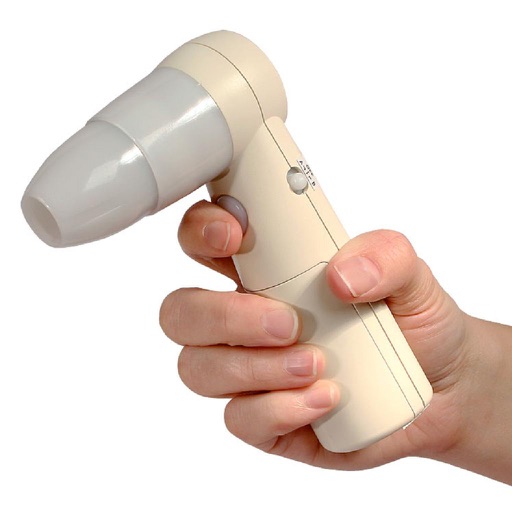
Display and preserve captured images wirelessly.
The app displays and preserves pictures captured with AirMicro and ProScope Mobile. It allows users to view live video and capture still images directly into the photo library on an Apple Mobile device.

HAN WEI WANG
Face details in real time with panning
Access real-time images from the TrueDepth camera for low-light photography. Pan the display to face angles from different perspectives. Switch between 3D and 2D views to see depth data alongside the original image. Save 3D face photos directly.


Taewook Kim
Merge photos without losing pixels.
The app merges photos while preserving original resolutions and image quality. Users can freely position, crop, rotate, and resize images on a large canvas, and add text with custom fonts.


djamal guellati
Protect photos with password and albums.
The app protects photos with a password and organizes them into personalized albums. Users can import photos from albums and the camera, zoom, and share pictures.

Roger Bauchspies
Photography tools for every user.
The app offers tools for photography, including depth of field, composition assistance, and light metering. It provides features for calculating print resolutions, flash settings, and understanding concepts like reciprocity and hyperfocal distances.


Winkpass Creations, Inc.
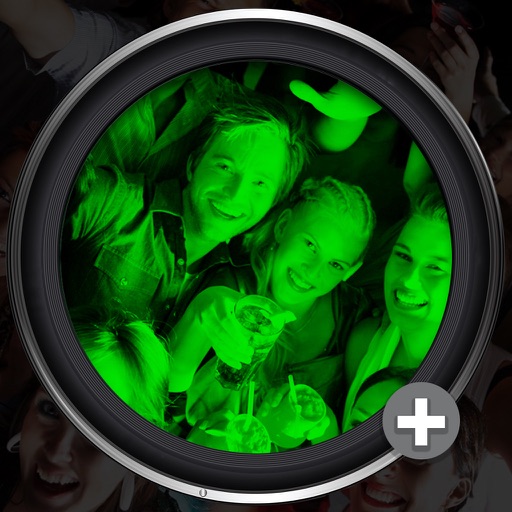
See in the dark with camera.
The app uses the device camera to see in low light conditions. Enhanced images can be saved to the camera roll or exported.
Sebastien BUET
Edit photos and remove red eyes
Edit photos to remove red-eye effects using advanced correction tools. Select images from your camera roll, apply the red-eye removal feature, and save the edited version. Share the improved photo directly from the .

Chengdu Meiji Tuwen Co. LTD
Add to photos and videos
Add effects to photos and videos using adjustable glitter intensity. Choose from camera roll media to apply effects. Swipe to switch between different styles. Share edited content directly to social platforms.
Apps are ranked by functional similarity, category fit, rating confidence, and popularity.