The app sorts lists with a refined engine that treats numbers as numbers. It can group entries, add headers, remove duplicates, and ignore specified prefixes.
by Edwin Lau★ 0.00 ratingsUtilities$0.99Data updated 2026-11-04
Create and organize digital packlists for trips. Add, remove, and check off items. Set reminders for essentials. Sync across devices. Track what’s packed and what’s missing. Share lists with travel companions.
Scan local network devices to identify all machines and internet devices on the LAN. Customize device names and icons. Save and share scan results. View detailed device information. Control connected devices remotely.
The app tracks people's scores and points for card games or other activities. It offers one-point mode, score saving and loading, and player list sorting options.
The app allows users to create and manage multiple checklists for various purposes. Users can check and uncheck items, reset lists, hide checked items, and email list contents.
The app stores user notes securely with 128-bit encryption. It offers PIN or secret question access and allows notes to have separate titles, with a simple interface for ease of use.
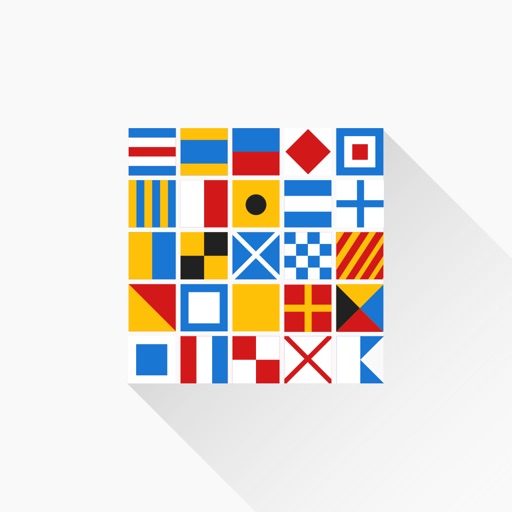
Provides a comprehensive list of international , including letters, numbers, and substitutes. View detailed descriptions of each flag. Take custom quizzes to test knowledge. Includes flashlight morse code examples and a minimalist design.
Plan and organize tasks, events, and habits with a customizable that supports multiple types. Manage time blocks, color-code entries, and create all-day events. Take notes with attachment support for PDFs, photos, audio, and web links.
Create number or name raffles with up to 10,000 entries. Add a raffle photo. Share a link for automatic entry marking or mark entries manually. Track payment status as paid or pending. Draw winners from paid, pending, or all entries.
Streamline construction finish inspections with iPad.
The app streamlines finish inspections for condominiums and other construction projects using an iPad. It allows users to enter pointed-out locations by tapping drawings and register information by selecting from displayed option lists.