Allows users to scan documents, receipts, business cards, and whiteboards by pointing the camera. Automatically rotates, crops, and enhances scans for clarity. Save or share scanned documents via email or text.
by Evernote Corporation★ 4.9417,947 ratingsProductivityFreeData updated 2026-09-09
Print documents and photos by connecting to wireless printers. Select files, adjust settings with built-in tools, and send prints remotely. Manage connections and access print history.
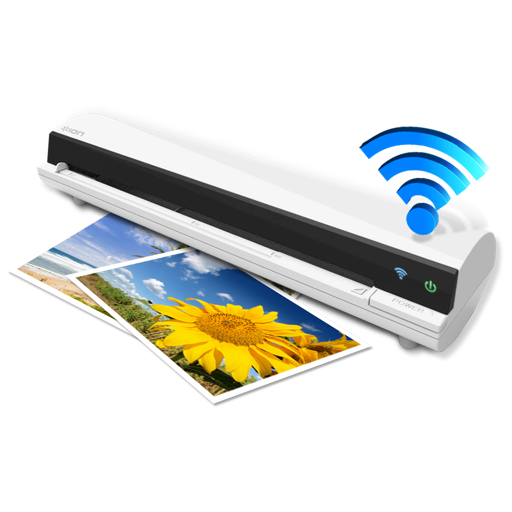
The app works with the ION Air Copy hardware, a portable Wi-Fi scanner. It scans photos, receipts, business cards, notes, and documents up to US Legal size directly to a Mac, then shares them via email or social networking.
Documents by taking a photo, selecting from the photo gallery, or choosing a file. Adjust settings for clarity. Share scanned files via email, messaging, or cloud storage. Organize and store documents in folders. Export in PDF or image formats.
Documents to create high-quality PDFs. Perform OCR to extract text. Sign and convert files to PDF. Share via email or cloud services. Includes automatic text recognition and secure privacy features.
Convert paper documents to digital PDFs by scanning with your iPhone. Crop and rotate scans automatically. Save, print, email, or share documents. Manage receipts, forms, and photos in one place. Sign and annotate scanned files.
Documents into clear images for email, fax, print, or cloud storage. Crop and enhance scanned content automatically. Share files as PNG via email or social media. Print directly to nearby printers using AirPrint.
Convert documents to PDF by scanning with the iPhone camera. Automatically detect and crop document edges. Save as PDF or image formats. Share scans directly via email or messaging.
Digitize business cards into QR codes for instant sharing. Create and customize QR cards for personal, corporate, or project identities. Share via Messages, email, AirDrop, or display on screen. Manage multiple QR codes for different purposes.
Scan documents, receipts, checks, and agreements into clean PDFs. Add signatures and annotations. Share files via email or cloud services. Organize and store scanned documents digitally.
Create and manage digital copies of documents like credit cards, books, and recipes. Scan, edit, save, and share files in PDF, JPEG, or TXT formats. Use OCR to extract text from images. Store scans locally without an internet connection.