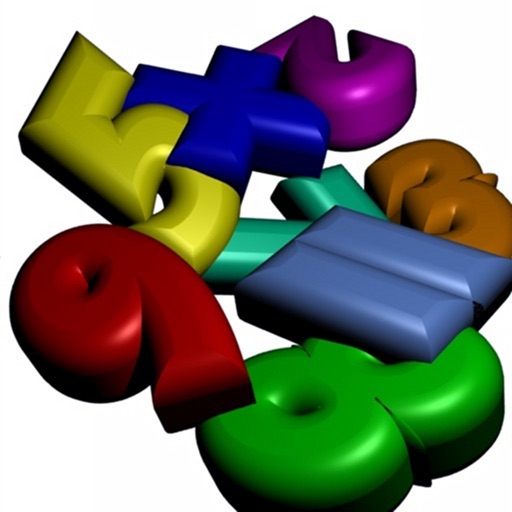
Learn basic operations through interactive gameplay. Practice addition and multiplication by throwing stones at correct answers. Switch modes and restart the game as needed. Track progress and adjust difficulty settings.
The app offers multiple modes including Arcade Mode with 12 challenge levels and Contest Mode for special challenges. Users can select from nine different Bruh Button colors and a Christmas Edition.
The app provides modes for learning multiplication. Users can select exercises or tests, track their performance, and compare their fastest times on a leaderboard.
The app presents a game where players find hidden numbers within pictures. Players select a scene and difficulty, then tap the numbers before time expires.
Train memory by finding in detailed images. Use hints to highlight suspicious areas. Explore over 100 themed pictures including the universe, seas, and fairy houses. Save progress and revisit puzzles at any time.
Defend a treasure chest by deploying soldiers. Tap to buy units, drag to position them, and press "Fight" to start waves. Complete levels by defeating enemies. weak units into stronger ones. Unlock and upgrade various soldier types.
Play as a cat mastering fu moves to defeat animal enemies. Tap buttons to perform attacks and defend. Progress through increasingly challenging levels. Track character strength and unlock new moves. Compete against other players in ranked matches.
Practice multiplication facts with instant feedback
Maths for second-grade/year-3 students focuses on small multiplication tables. Select a number range from 1 to 10. View and answer multiplication questions in random order. Confirm answers with a green button.
Prevents accidental presses by disabling the . Displays a warning message to inform users of the risk. Allows manual re-enabling of the through a settings option. Blocks all interactions until the is reactivated.
The app presents sentences with text and/or PCS symbols at three difficulty levels. Animation with speech feedback reinforces correct matches, and scores show percentages and numbers correct.
Guess a mathematical operation with 8 characters using digits, operators, and equals sign. Each guess must result in a valid calculation. Feedback indicates correctness of each character in the operation.
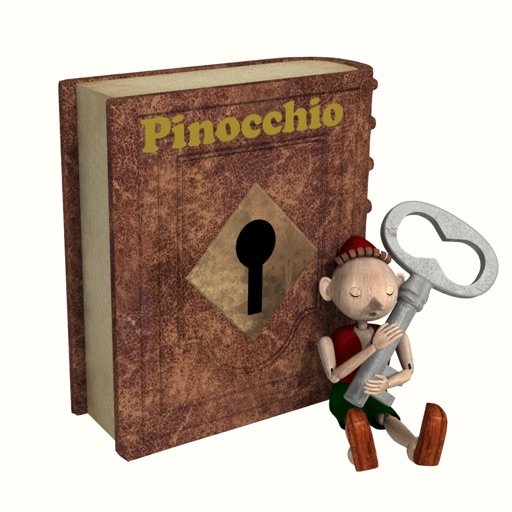
Play through three stages inspired by the Pinocchio story. Navigate by tapping on screen elements or using bottom arrows. Collect and use items by tapping and zooming. View collected items at the top of the screen.
Study for the RBT with 320 practice questions based on the current BACB task list. Review answers and explanations. Track progress and revisit questions for reinforcement.
Learn tones by playing piano notes and identifying sounds. Play battles to recognize tones and select correct answers. Track progress and improve absolute listening skills for children.