The app offers tools to transform photos with color splash effects, including sepia and cyanotype tones. Users can add frames, use custom cutouts, and adjust colors for vibrant results.
by Human Software Company Inc★ 0.00 ratingsPhoto & Video$3.99Data updated 2026-10-31
Edit photos with color filters, brightness, and contrast adjustments. Add stickers and text. Apply film-inspired presets and advanced camera controls. Export edited images in multiple formats.
Edit photos by removing backgrounds with AI and replacing them with 250+ options. Apply 300+ ready-to-use templates. Add effects and adjust colors. Save and share edited images directly.
Edit photos with 3D and color effects to create立体 art. Apply special effects to enhance images. Save and share edited photos directly. Use fun and intuitive editing tools for creative customization.
Edit photos with filters, adjustments, and effects. and focus areas with finger movements. Crop, rotate, and add text or stickers. Adjust tone curves and apply splash effects. Save and share edited photos to social media.
Edit videos with real-time filters and . Apply lenses like toonify, fire, Instagram, and vintage retro. Adjust colors and settings. Save and share edited videos.
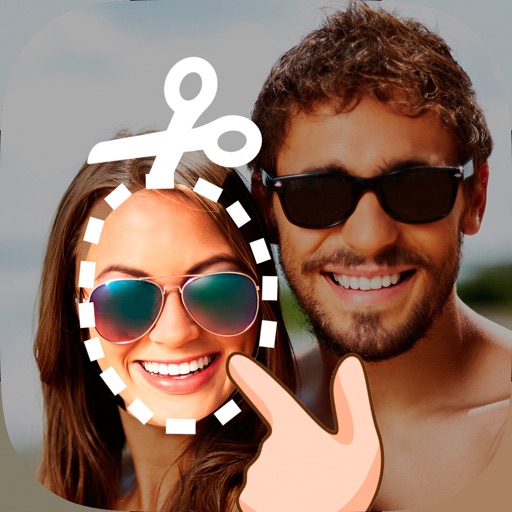
Edit photos by cutting and pasting faces, removing backgrounds, and deleting unwanted people. Add missing faces to photos. Use the silhouette head tool to select and edit elements. Export edited images directly.
Edit photos with exposure, contrast, highlights, shadows, whites, and blacks adjustments. Modify colors with saturation, vibrance, hue, and temperature. Remove haze and fog with an intelligent filter.
Create image compositions with layers, shapes, and text. Edit photos with touch-up tools and painting features. Add filters and adjustments. Export in various formats and share directly.
Edit RAW photos with color and tone adjustments. Import and process RAW files from cameras or storage devices. Organize and manage libraries. Capture pro-grade RAW images with manual controls.
Edit photos by adding -themed like trees, presents, and Santa Claus. Select images from the gallery or capture new photos with the camera. Apply HD quality to enhance holiday pictures. Share edited photos directly.
The app allows selective editing of photos with filters, effects, and adjustments. Users can apply multiple effects to specific areas or the entire image, offering extensive creative possibilities.
Create -style art from photos using AI Anime Effect. Generate images with AI prompts for creative customization. Apply filters to enhance and stylize visuals. Export and share transformed images directly.
Convert images to vector files with AI-enhanced tracing. Import JPEG, PNG, or WEBP and export as SVG or high-resolution PNG. Edit SVG files manually for precise adjustments.
The app allows users to edit photographs by adjusting brightness, tint, and balance. Users can apply filters such as Sepia, Colorize, Wave, Watercolor, and Color Reduction to create collages and greeting cards.