iCartoonizer Lite
eVeek, LLC
Cartoon yourself with many effects.
The app offers over 100 cartoon effects for photos. Users can apply filters, adjust images, and add elements like text and emoticons.

Add class and trendy design effects.
The app offers tools to transform photos with color splash effects, including sepia and cyanotype tones. Users can add frames, use custom cutouts, and adjust colors for vibrant results.
Showing 61–80 of 1,000 ranked alternatives.
eVeek, LLC
Cartoon yourself with many effects.
The app offers over 100 cartoon effects for photos. Users can apply filters, adjust images, and add elements like text and emoticons.


Capsule Digital Ltd
Create collages from your photos
Create collages by combining photos and templates. Add text, stickers, and frames. Choose from various styles and themes. Share finished collages on social media or via email. Edit images with basic tools like cropping and brightness adjustment.
Tarika Sultana
Editing
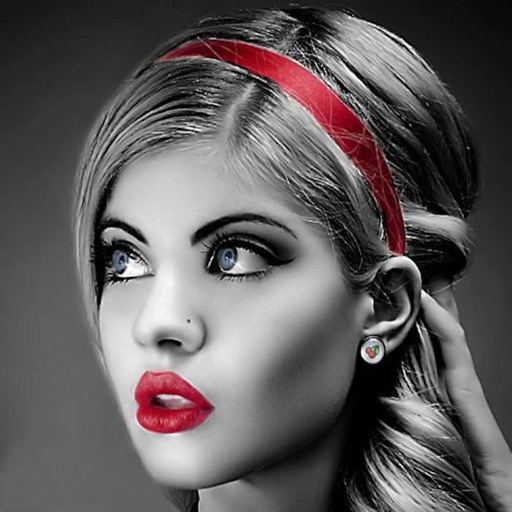
Edit photos with selective effects using gesture controls. Zoom and pan to adjust splash areas. Convert parts of the image to grayscale while keeping selected regions in full . Export edited photos directly.

Ankur Chauhan
Edit photos and add diamond effects
Edit photos with diamond frame effects and star-like enhancements. Add creative effects to enhance images. Save and share edited photos directly. Apply various frame styles to personalize pictures.

ChengDu PinGuo Technology Co., Ltd.
Capture portraits with front and rear camera
Take portrait selfies with front and rear camera switching via tap or shake. Use night mode for low-light shots. Auto mirror and timer functions available. Create grid collages with 1:1 and 4:3 layouts using 1 to 9 grids.

Mooii Tech
Edit photos, create collages, and make GIFs
Edit photos with rotation, straightening, resizing, cropping, and border tools. Adjust color, temperature, tint, and apply film effects, light leaks, and lens flares. Add overlays, textures, and dirt effects.

Tap Flat Apps, LLC
Add to photos and create effects
Add to photos with customizable fonts and styles. Place objects for creative effects. Create posters, covers, and invitations. Edit and share edited images directly.


Intelectiva Soluciones Innovadoras Sociedad Limitada
Edit photos, create collages, apply
Edit photos with , , and collage tools. Create and custom layouts. Adjust brightness, contrast, and saturation. Add text and stickers. Export and share edited images.


MYUNGHOON HONG
Edit photos and keep them private.
The app offers a private vault for photo storage, secured with Face ID, Touch ID, or a passcode. It includes editing tools like filters, adjustments, effects, cropping, and text overlays.

Ratha Sou
Capture with fun effects and adjust settings
Capture with real-time live effects and color presets. Apply adjustable effects and enhance colors simultaneously. Use screen flash for better results in low light. Share directly from the .

Dynasty Apps LLC
Edit photos with 25 tools and effects
Edit photos with 25 tools and effects. Adjust brightness, contrast, and saturation. Save progress and undo changes. Share edited photos to social networks. Preserve EXIF data and edit geo-location. Export high-resolution images up to 3000x3000.

Editr Apps Inc.
Edit photos and create montages
Edit photos by highlighting colors, removing or changing backgrounds, and blurring specific areas. Use healing and smoothing tools for precise adjustments. Create photo montages and export edited images directly.

Roger Ramezani
Record, pause, edit, and share videos
Record with a pause button to stop and restart recording. Trim and cut videos using the built-in editor. Apply filters like black and white, sepia, or hipster. Save videos in 4K format.

Alejandro Melero Zaballos
Edit photos with color splash effects
Edit photos to create color splash or color pop effects. Select specific areas to color while keeping the rest and . Adjust color intensity and apply artistic filters. Share edited images directly.

Apps are ranked by functional similarity, category fit, rating confidence, and popularity.