The app provides color selection with alpha channel support and a 3D-zoom viewport for screen color picking. It includes six harmony color modes, color history, drag-and-drop functionality, and multiple clipboard formats.
by Paul Nettle★ 0.00 ratingsGraphics & Design$13.99Data updated 2026-10-31
Create art with a complete toolset including layers, timelines, and advanced coloring. Edit spritesheets, GIFs, and game assets. Use touch or pen for optimized drawing. Render with high-performance Metal technology.
Turn photos of pets or objects into customizable patterns for lock screens. Create animated patterns and save as live photos, videos, or GIFs. Use AI to cut out subjects or trace manually. Choose from suggested colors and palettes.
Edit photos using a variety of and filters. Apply adjustments for color, contrast, and brightness. Save favorite in a dedicated folder. Access detailed instructions for beginners. Organize into categories for different shooting conditions.
Capture and collect color palettes for use in projects. Drag and drop colors into compatible apps like Pages and Keynote. Sync palettes across devices using iCloud. Analyze color schemes and save custom palettes for later use.
Focus timer allows custom session settings and progress tracking. Base64 encoding and decoding tools support API and web development. Color picker provides hex, RGB, and HSL values with color saving.
Draw and paint using glowing colors. Use photos as backgrounds or create from scratch. Save artwork to camera roll. Share via email, message, Facebook, or Twitter. Access multiple undo levels. Learn color theory through interactive features.
Create expressive sketches, rich paintings, and detailed illustrations. Use hundreds of handmade brushes and an advanced layer system. Animate with the Valkyrie graphics engine. Edit and export artwork in multiple formats.
Create digital paintings using layers, masks, and clipping. Apply smudge and blur tools for texture. Draw shapes and use pure colors. Erase parts of artwork. Save and share completed pieces.
Create art with a variety of color palettes and brush tools. Choose from daily themed pages. Customize colors and patterns. Save and share completed artwork. Adjust brush size and opacity for detailed strokes.
Add a to enhance images with dozens of beautiful and backgrounds. Choose from various background colors and filters. Adjust contrast, brightness, color temperature, sharpening, saturation, and color balance. Add text watermarks to photos.
The app allows users to pick any color from their screen with a magnifier. It displays the color's Hex and UIColor values, ready for copying into code.
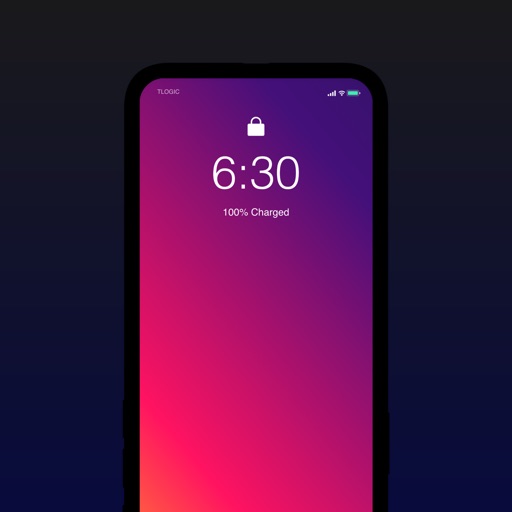
Create personalized wallpapers by selecting colors from color circles. Customize with rotation, shift, blur, filter, and randomize options. Choose from preset gradients or custom color combinations. Preview full-sized and save the design.
Create and edit digital art with layers, brushes, and customizable tools. Import and export files in various formats. Access cloud storage for file syncing. Subscribe for additional features and materials. Save and export work after trial period.