The app provides color selection with alpha channel support and a 3D-zoom viewport for screen color picking. It includes six harmony color modes, color history, drag-and-drop functionality, and multiple clipboard formats.
by Paul Nettle★ 0.00 ratingsGraphics & Design$13.99Data updated 2026-10-31
Control a WiFi-enabled spectrometer to measure color in real time. Capture spectrum data and perform colorimetry on solids, liquids, and powders. Measure parameters like CIE Lab, RGB, Chroma, Hue, and Luminosity.
Logos, posters, flyers, and invitations with customizable templates and drag-and-drop tools. Add text, icons, and colors. Export in multiple formats. Share via email or cloud services like Dropbox and Evernote.
Customize home screen icons with a library of icons and color options. Apply flat colors or gradient backgrounds. Use pre-made theme kits and packs like Gradient or Dark Cat. Edit combinations and apply new to change the phone's appearance.
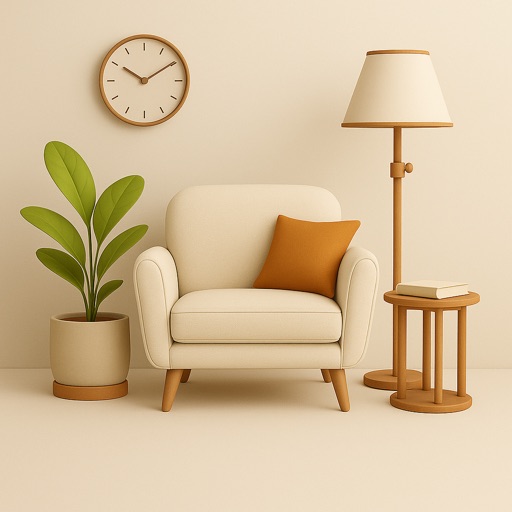
Upload a room photo and select a style to generate an AI-designed layout with color schemes, furniture, and accents. Visualize changes for rooms and gardens. Adjust details and export ideas for real-world application.
Create harmonious combinations using wheels. Explore Full (RGB) and Basic Itten's . Generate schemes based on theory principles. Adjust hues, saturation, and brightness. Save and share swatches.
Games allow users to select color by number puzzles and images by tapping colors. Features include on pages, recoloring existing artwork, and saving progress. Users can access pixel art books and sketch freely without internet connection.
Identify colors using the camera for real-time detection. View names and hex codes. colors from brands like Sherwin-Williams and Benjamin Moore. Explore professional palettes and check harmony with a built-in wheel. Import photos to analyze colors.
Allows users to capture and match colors to Pantone shades. It provides precise exploration with intuitive tools. Users can access licensed Pantone colors and adjust hues for design projects.
Create digital illustrations with painting, coloring, and drawing tools. Use multiple layers, customize brushes, and mix colors for precise control. Apply textures and save or share artwork directly.
Create color schemes using gradients, traditional Chinese and Japanese , iOS system , and Material Color. Explore future features for additional tools. Share feedback for improvements. Rate and recommend the .
APPNATION YAZILIM HIZMETLERI TICARET ANONIM SIRKETI
Visualize spaces with AI tools
Use AI to visualize interior ideas from photos. Adjust lighting, furniture placement, and color schemes. Generate 3D views and save plans. Share projects with others for feedback.
Draw art with grid sizes from 8x8 to 256x256. Use a limited color palette of up to 32 colors. Import photos to pixelate them. Create animations by copying frames. Zoom in or out to adjust art details.
Create art with a complete toolset including layers, timelines, and advanced coloring. Edit spritesheets, GIFs, and game assets. Use touch or pen for optimized drawing. Render with high-performance Metal technology.