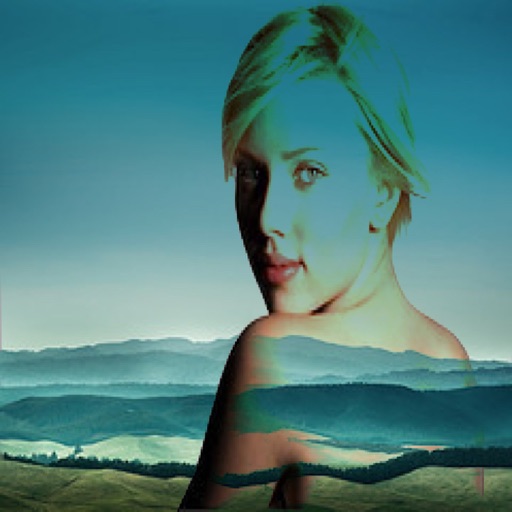
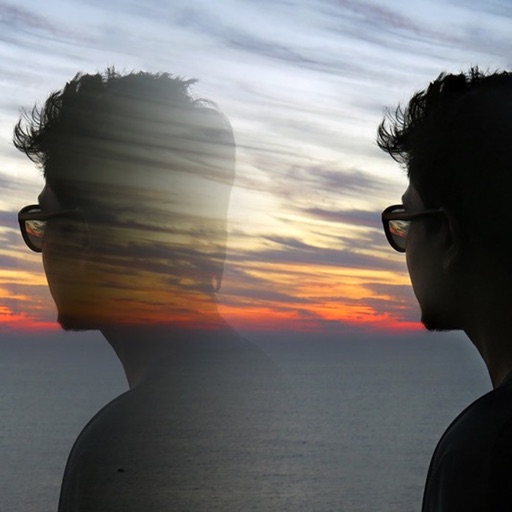
The app allows users to overlap two images with 11 blend filters. It provides an easy and simple interface for users to share their creations to social media platforms.
by kitaek kim★ 0.00 ratingsPhoto & VideoFreeData updated 2026-10-31
Capture food photos with a smart guide for top-down shots. Apply over 30 live filters including Yum, Positano, and BBQ. Adjust lighting and mood to enhance meal images. Share edited photos directly.
Create animations by capturing sequential images. Edit frames, add transitions, and adjust timing. Export videos and share directly to Instagram, TikTok, YouTube, and other platforms.
Edit photos by applying 100+ textures with brush tools. Adjust effects using opacity and blend modes. Retouch with an eraser. Add sparkles and other decorative elements. Save edits or share directly to social media.
The app allows users to create videos from photos with effects, frames, and text. Users can add music and share videos on social media or save them to their device.
Create designs and graphics using customizable templates and a vast library of images, fonts, and templates. Apply photo filters and adjustments to enhance visuals. Organize templates into folders and favorite favorites for quick access.
Create and share -style videos with a VHS filter. Record and send low-quality, aged-looking videos. Add text overlays and effects. Share directly to social media or messaging apps.
The app allows users to combine two images using various blend modes. Users can select photos from their device or the web and adjust layer transparency.
Add , captions, and quotes to or artworks. Apply filters and blur effects. Share directly to Instagram, Facebook, Twitter, Tumblr, or blogs. Create and save custom graphics for social media.
Create slide shows from photos with transitions and background music. Organize images, adjust photo duration, and add personal songs. Share videos on social media or save to the camera roll.
Edit photos with filters, light leaks, and templates. Add frames and text. Share directly to social media. Access monthly updated filters. Adjust brightness and contrast. Crop and rotate images. Export in various formats.
Create collages by combining up to 20 photos with backgrounds, stickers, and drawing tools. Apply filters, borders, and fonts to enhance images. Share collages on Facebook, Instagram, and other platforms.
Create social media posts by selecting up to 8 videos or images. Apply filters, add text, stickers, and animations. Customize templates for Instagram and Stories. Share directly to social platforms.
Create collages by combining photos and templates. Add text, stickers, and frames. Choose from various styles and themes. Share finished collages on social media or via email. Edit images with basic tools like cropping and brightness adjustment.
Edit photos with auto enhancement, artistic sketches, beautiful paintings, and funny cartoons. Apply 700+ filters and . Add frames and stickers. Share edited photos directly.
Create video thumbnails for YouTube, Facebook, and Twitter. Select images from videos or upload custom graphics. Customize size and position. Export and download thumbnails for social media platforms.
Edit photos with 12 blend modes including overlay, multiply, difference, and exclusion. Combine foreground images from a growing library of over 400 options. Export and share edited creations.
Create holiday cards by selecting from 500+ , filters, and effects. Choose photos from your gallery or camera, add custom text, and share the finished card. Include festive elements like a fluffy Red Santa for fun.
Create AI-generated photos with customizable styles and filters. Generate headshots, retro-themed images, and Instagram-ready content. Edit and refine AI-generated portraits. Share finished photos directly to social platforms.