Create and manipulate geometric shapes such as points, lines, angles, and conic sections. Adjust properties and calculate metrics. Display shapes on a zoomable coordinate system. Construct medians, altitudes, and bisectors.
The app allows users to create geometric shapes and explore their properties. It includes tools for drawing, annotation, and transformations, with automatic metric calculations and snapping features.
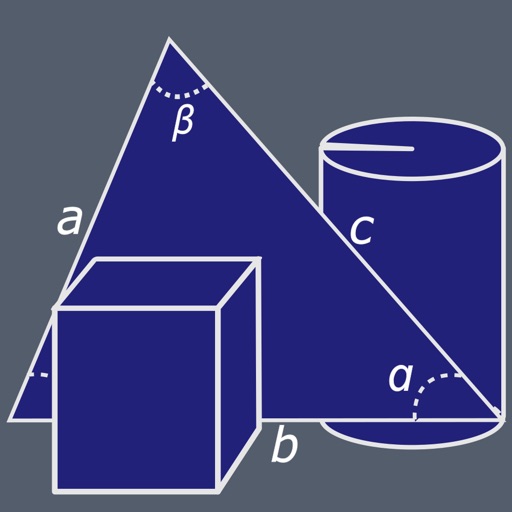
Calculate dimensions and properties of 2D and 3D shapes. Input measurements to determine area, volume, surface area, and perimeter. View interactive 3D models of solids like cube, sphere, and cylinder. Switch between 2D and 3D views for each shape.
Calculate geometric properties for 26 shapes, planes, and solids. Input dimensions to find area, perimeter, volume, and surface area. Access formulas for triangles, polygons, circles, and 3D solids.
Perform basic calculations in portrait mode and scientific calculations in landscape. Use root, power, factorial, exponential, division, logarithm, and trigonometric functions. Features a flat UI design similar to built-in iOS apps.
Scan problems using the camera for instant solutions. View step-by-step explanations to understand concepts. Ask questions and receive answers from other users. Access study materials and track progress over time.
Create handwritten notes and drawings with customizable brushes and erasers. Use vector tools for precise shapes and annotations. Add text, highlights, and special line effects. Save and organize digital sketches and journal entries.
Create floor plans and layouts by drawing lines, rectangles, and shapes on up to 10 layers. Add text, arrows, and measurements. Export designs as PDF, JPEG, or DXF. Sync files via iCloud and transfer via DropBox.
Learn colors, numbers, shapes, and alphabets through 13 educational games with professional voice guidance. Choose from 12 languages and three skill levels. Interact with a 3D kitten guide for navigation and support.
, paint, and doodle on a digital whiteboard. Share artwork with friends. Use stickers, brushes, and shapes to enhance creations. Add text and export drawings in multiple formats.
Learn geometric using compass, pencil, and straightedge. Watch animated demonstrations to understand steps. Practice by creating yourself. The checks your work and confirms accuracy. Smart snapping aligns objects automatically.
3D models using gesture-based controls for object and camera manipulation. Multi-select vertices, edges, faces, and objects with long taps or frame drawing. Merge, connect, and create faces from vertices. Draw cuts on edges.
Solve equations, perform algebraic calculations, and graph functions. Support for multiple models including TI-83, TI-84, TI-89, Casio FX, and Sharp EL. Includes a scientific , fraction simplifier, and unit converter.