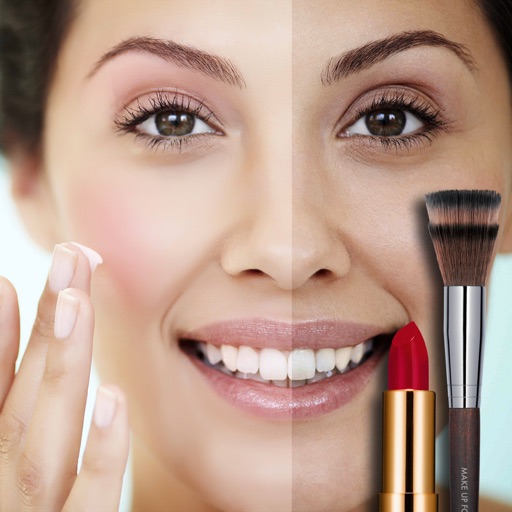
Automatically smooth and apply blush, lipstick, eye shadow, eyeliner, and mascara to portraits. Retouch faces while preserving details and texture. Perform all edits instantly without manual adjustments.
by 松滔 袁★ 4.218 ratingsPhoto & VideoFreeData updated 2026-09-09
Organize photos and videos by dragging and dropping into folders. Filter to find duplicates or sort by size. Swipe left to delete and right to keep photos. View in full screen and manage storage space efficiently.
Allows users to restore damaged photos using AI algorithms. Users can remove scratches, blur, and discoloration. The enhances visual clarity and transforms old photos. AI filters and creative styles can be applied for artistic effects.
Edit photos with simulation effects, including black-and-white and color tones. Apply realistic grain and color profiles. Save and share edited images directly. Access new types periodically for and discontinued experiences.
Edit photos with skin smoothing, blemish removal, and tone adjustment. Resize body parts, whiten teeth, and change hair or eye color. Apply makeup, add filters, and adjust lighting. Save and share edited images directly.
Generate realistic images from ultrasounds using AI. Create 3D models of future babies. Enhance maternity photos for studio quality. Combine with family members for group portraits. Try cartoon or anime-style self-portraits.
Edit photos with AI-powered background removal, colorization, and enhancement. Adjust brightness, contrast, and saturation. Crop, resize, and apply filters. Export in various formats and share directly.
Restore faded photos and enhance image quality using AI. Transform static images into animated portraits. Add motion to create dancing or joyful scenes. Edit and share enhanced photos directly.
Crop images into various shapes using over 70 masking tools. Adjust background colors. Export directly to Instagram or other apps. Share edited photos across supported platforms.