The app produces black and white images with a gritty, grainy look. It offers 9 black and white and 4 color live view effects in 126 and 135 film formats.
by Toshihiko Tambo★ 4.86 ratingsPhoto & Video$1.99Data updated 2026-11-16
Create artistic images by masking subjects and separating them from backgrounds. Apply filters to subjects or backgrounds for dramatic effects. Adjust styles and textures to enhance visual impact. Share edited photos directly from the .
Capture with real-time live effects and color presets. Apply adjustable effects and enhance colors simultaneously. Use screen flash for better results in low light. Share directly from the .
The app offers a real-time viewfinder for capturing fisheye pictures. It includes ten lenses and eight film types, with adjustable lens intensity and focus.
Add vibrant color to specific image areas using the Color Splash Effect. Adjust intensity and placement. Export edited in various formats. Share directly from the .
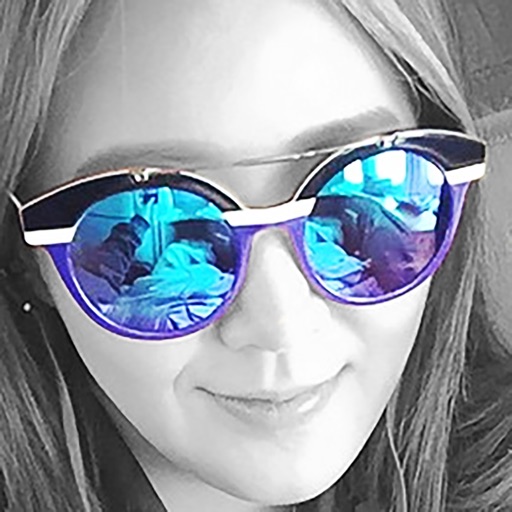
Edit photos by selecting specific objects or colors to emphasize, converting the rest to black and white. Adjust and save the edited image. Take photos with the camera or open existing files.
Create reflection for photos with left-right, up-down, and repeating options. Apply cool filters and artistic frames. Edit images to generate twins and typography .
Edit videos with controls including focus, exposure, ISO, and white balance. Apply slow motion, speed up, add borders, filters, text, music, blur, emojis, and stickers. Share directly to YouTube, Facebook, Snapchat, Twitter, and Instagram.
Allows users to shoot photos and videos with 30+ simulated cameras, each replicating the color and texture of classic cameras. Users can apply unique styles to existing media or shoot directly.
Adjust focus distance, set ISO sensitivity, control shutter speed, and customize white balance. Capture images with reduced noise and blurred motion effects for creative photography.
Shoot photos in black and white with live-view controls for precise adjustments. Edit images using monochrome-specific tools like contrast, brightness, and grain controls. View and follow a news feed featuring black and white photography.
Edit photos with brushes and black-and-white effects
Edit photos by converting them to black and white and selectively retaining with a finger brush tool. Zoom in and out using two-finger pinching for precise adjustments. Share edited images via email or upload to Twitter, Flickr, or Dropbox.
The app allows users to create collages for iPhone or iPod Touch wallpaper using a multitouch interface. It offers creative options such as a black-and-white or sepia converter, border addition, and transparency adjustment.