Apps Like Snapit-Image & Video messaging for iPhone and iPad
Share photos that self-destruct quickly.
The app allows users to share photos that self-destruct after 10 seconds or save them to a device's photo library. It includes various filters and tools to alter photo appearance.
Select a or take a new one with the camera. Choose from over 30 colorful to decorate images. Apply different frame styles and designs. Save edited photos to the gallery and share them on social media.
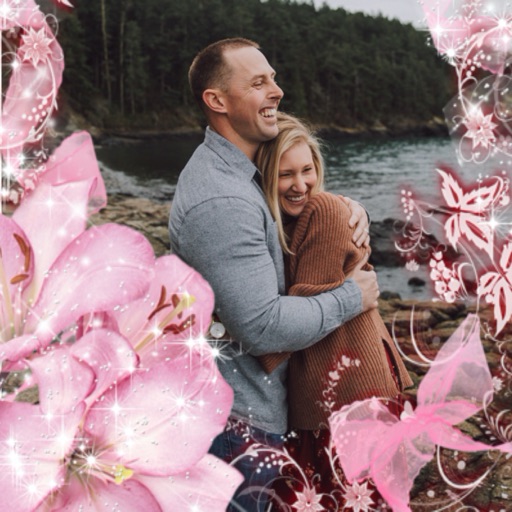
The app allows users to enhance photos with over 45 colorful and beautiful frames. Users can capture photos instantly, adjust pictures within frames using multi-touch gestures, and save them to their Photo Library.
Create sequences by capturing or importing images. Add filters, stickers, and text to enhance visuals. Share finished projects directly or export in various formats. Sync with social media platforms for easy sharing.
By selecting photos from the gallery or camera. Choose from various and adjust photos with zoom, rotate, and move features. Send customized greeting to friends and family.
The app processes iPhone camera preview in real time with effects like sketch, sepia, and thermal camera. Users can choose front or rear cameras and save or share photos.
Transform photos into -style artwork using AI. Select an image from the camera roll. Apply filters via AI processing. Save the result and share it directly.
Create montages by placing your in photos. Add to images. Select photos from the gallery or capture new ones. Share finished montages via social networks or messaging apps.
Edit by selecting from the gallery or taking a new photo. Adjust images to a square format. Add text with customizable fonts, colors, and borders. Move, rotate, and scale text. on with finger input.
Create calendar wallpapers from photos. View two months of calendar display. Add calendars to wallpapers. Import holidays from "MyHoliday." Test photo appearance before applying. Adjust placement through expansion and movement.
The app creates unique photo compositions by combining two images from the user's camera roll. Users can also apply filters to existing photos for new visual results.