The app converts user photos into latte art on the iPhone. It offers a gallery of photos and sketches for users to try and allows sharing latte art with friends on selected social networks.
by YUBI★ 2.84 ratingsPhoto & VideoFreeData updated 2026-10-29
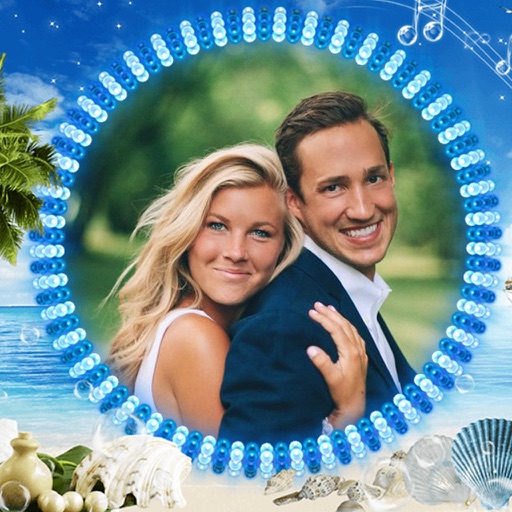
Edit photos by selecting from the gallery or using the camera. Apply various frames and effects. Adjust position, size, and angle of images. Save, share, or upload photos to social networks like Facebook and Twitter.
Transform photos into artistic creations using AI-powered style transformations. Choose from 30+ options like watercolor, oil painting, pixel art, and comic book. Apply effects to portraits or snapshots and export the results.
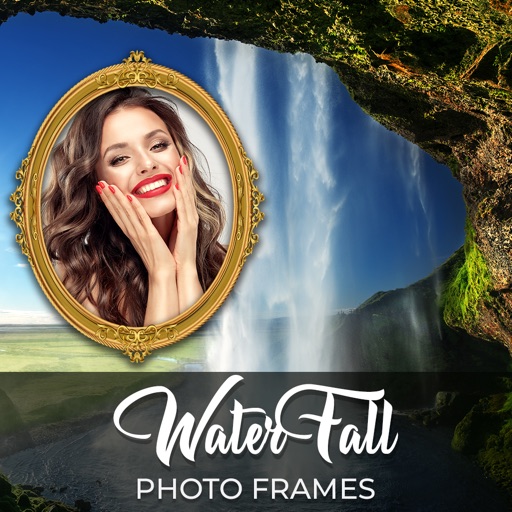
Edit photos by selecting from the gallery or capturing with the camera. Apply multiple and effects. Adjust image position, size, and angle. Save, share, or upload photos to social networks like Facebook and Twitter.
Auto-resizes photos to fit ly on social media platforms. Scans photo library and adjusts dimensions for optimal display. Allows users to select and resize images directly within the .
Transform photos into -ray images using AI-driven contour detection. Save creations to a gallery and share on social media. Apply Hollywood-quality effects for creative or entertainment purposes.
The app allows users to create custom lenses by combining various filters like exposure, saturation, and hue. Users can edit photos from their camera roll with non-destructive changes, preserving the original image.
Edit photos with multiple filters like grayscale, sepia, vivid, high contrast, soft, warm, and cool tones. Adjust intensity for desired effects. Fine-tune brightness, contrast, saturation, and sharpness.
Control cameras remotely via Bluetooth to capture stable photos and group shots. Start and stop video recording or take photos from a distance. Manage multiple cameras at once. Use continuous mode to take timed photos automatically.