The app simplifies creating single-page documents like newsletters and greeting cards. It allows users to add, scale, and rotate photos and text, then share the resulting PDF via email, social media, or print directly from the device.
by Eric Worrall★ 1.01 ratingsSocial NetworkingFreeData updated 2026-10-29
Convert photos and images into shareable and printable pixellated quilt patterns. Import photos, adjust pixel size, and export as high-resolution files. Share patterns via email or social media. Sync across iPhone and iPad.
Order photos for prints in various sizes from 4x6 to 40x60. Choose between mounted or metallic paper options. Select personalized products like posters, collages, canvas decor, greeting cards, and photo books.
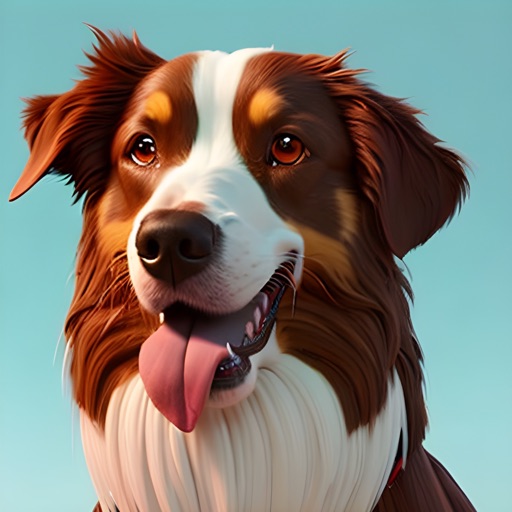
Create AI-generated images of your dog in various styles and scenarios. Upload a photo to generate visualizations. Share images on social media platforms like Instagram and Facebook. Choose from multiple artistic styles.
Edit photos with cropping, filters, and color adjustments. Add text, stickers, and effects. Save and share edited images directly. Import photos from device storage. Adjust brightness, contrast, and saturation. Export in various image formats.
Capture and manage photos with geo-referencing features. Each image includes GPS, bearing, and descriptive metadata. Upload and organize unlimited visual data. Document construction projects with timestamped and location-tagged photos.