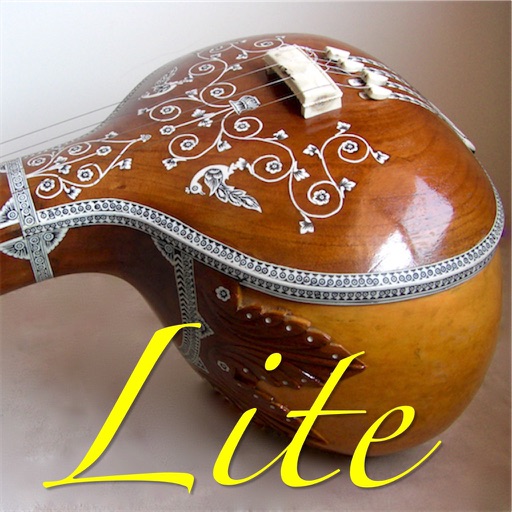
The app provides musicians with over 100 royalty-free music samples, including drum and percussion sounds. It allows for adjustable tempo, scale, and tanpura tuning for practice and performance.
by Nemat Behiar★ 3.936 ratingsMusicFreeData updated 2026-10-28
The Odd Metronome allows users to create any rhythmic pattern in any meter. The app provides three different sounds and a moving cursor to follow the rhythm visually, making it a study companion for musicians.
The app provides over 1,200 samples, 50 editable programs, and 80 editable sequences. It allows users to record samples using the iPad's microphone, line input, or a multi-touch turntable interface.
Offers a customizable box for pitch reference. Users can practice with adjustable tuning. The includes cycles for rhythm training. It provides visual aids for learning compositions. Features include playback controls and metronome functions.
Create and customize beats using high-quality sound samples and predefined loops. Access in- tutorials and YouTube guides for playing kits. Receive new kits weekly without needing updates. Supports multitouch and works across all screen resolutions.
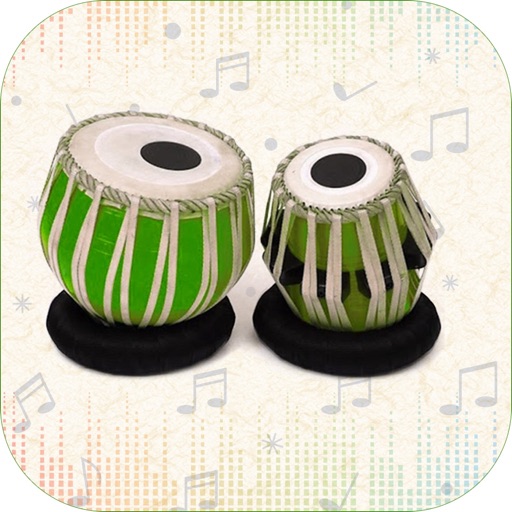
Play tabla, tanpura, and shruti maestro sounds with realistic instrument simulations. Adjust tempo, select rhythms, and control volume. Save and load custom sound settings. Sync with iPad for full-screen interface.
Mix audio tracks using automatic BPM detection and tap to adjust BPM. Apply over 20 DJ effects and automated audio FX. Access tracks from iTunes and cloud sources. Integrate with hardware for remixing.
The app offers playback controls, including giant buttons and stop-and-go mode. It supports crossfading, playlist editing, and dark mode for audio files and iCloud songs.
Create beats with AI by describing musical styles like "dark drill with 808s" or "chill rap melody with hi-hats." Generate full custom beats with melody, bass, kick, snare, hi-hats, and vocals. Export and share beats directly.
Create and play music with a variety of vintage sounds. Record and compose tracks. Perform live with customizable patterns and effects. Export audio files and share directly.
Create and edit music with an 8-track sequencer, record loops and melodies, and control instruments in real-time. Use a flexible mixer with DSP effects. Edit tracks via step sequencer and automation.
Create and edit music using waveform drum pads and beat-making tools. and files from your library or Dropbox. Remix and compose tracks. Share creations and kits with the community. Export and send files via email.
Create and manipulate audio using granular synthesis techniques. Adjust grain size, direction, and step size. Apply effects such as reverb, wave shaping, and sample crushing. Connect via AudioCopy, AudioBus, Inter Audio, and AUv3.
The app offers playback controls, crossfade, and playlist management. It supports user audio files and iCloud songs, with limitations in the free version.
The app records, previews, trims, and normalizes audio samples. Users can transfer these samples to their volca sample device from the app or a computer.