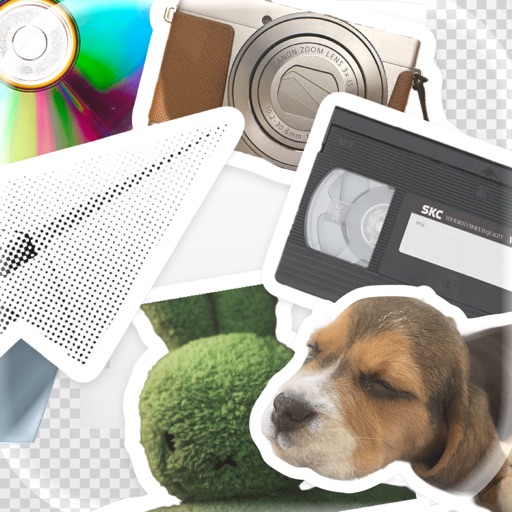
Create custom and home using photos, gradients, and stickers. Edit photos with subject separation, adjust gradients with presets, and add text or stickers. Export and set as wallpaper directly.
View 3D models and 2D drawings interactively. Share designs on iPad. Store model data locally for portability. Create and email images directly. Use touch-screen controls for navigation. Access sample files to get started.
Open and read Microsoft documents (.wps, .wks, .xlr) on iOS devices. View document outlines, page thumbnails, and search text within files. Supports email attachments and provides a straightforward way to access files without additional software.
Browse the web with tabbed browsing, Google search, and address bar auto-completion. Save web pages with images for viewing and access full screen mode. quickly with force options and manage bookmarks.
View photos, PDFs, and comics from Mac, PC, TimeCapsule, or NAS drives on Apple TV. Stream supported video formats and music. Browse with thumbnails and choose from ten slideshow animations. Auto-update slideshows with new images.
Create collages by adding photos from the library or camera. Choose from multiple frames like heart, round, and star. Adjust photos by moving, pinching, and rotating. Select different backgrounds or use a photo as the background.
The app allows users to browse and save images and videos from various social networks and services. It supports multiple accounts, timeline switching, and direct streaming of ZIP archives.