The app allows users to create photo slideshows in 3D or cartoon styles. Users can select photos from their gallery, camera, or social networks and add titles with various fonts before rendering the video.
by Ricardo Corin★ 2.04 ratingsPhoto & VideoFreeData updated 2026-10-27
Combine and videos into cohesive projects. Use trimming, transitions, and effects to enhance clips. Add text overlays and background music. Export in various formats and share directly.
The app provides selected Christmas wallpapers and backgrounds for iOS devices. It features a user-friendly interface, quick navigation, and a slideshow option for viewing images.
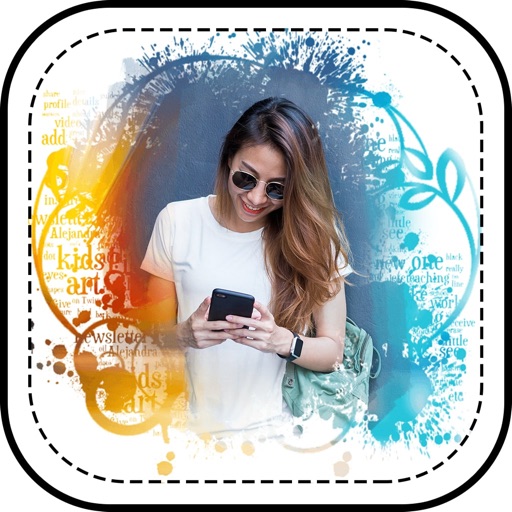
Customize profile pictures for Instagram, LinkedIn, WhatsApp, Facebook, and other social networks. Add images, select color and width, adjust inset, and add custom badges. Export edited images for use across platforms.
Edit photos with background erasing and changing tools. Blur backgrounds and apply portrait beauty effects. Add realistic filters and effects with one tap. Share edited photos directly. Join a community for editing tips and feedback.
Capture photos from the device camera or select from the library. Apply over 60 design effects to images. Save edited photos to the library or share them on social networks.
Blur image backgrounds to create effects. Select photos from gallery or capture new images. Apply multiple blurring tools to adjust blur intensity. Export edited photos to device storage.
Create videos using photos and music. Add text and transitions. Export and share videos directly. Edit clips, adjust timing, and include background music. Save and send to friends and family.
Create videos by selecting photos, adding music, setting effects and timing. Save and share videos or slideshows. Edit photos with trimming, filters, and transitions. Export in various formats and upload to social media.
Create photo slideshows with background music and video animations. Add transitions and effects. Import photos and videos. Export as movies with audio. Share directly to social media.
Edit photos adjustable temperature, tint, and exposure settings. Use texture blending tools and apply effects. Add stickers opacity and shadow control, and include text 3D effects and multiple fonts. Crop, rotate, and straighten images.
Apply photo effects to enhance images. Add stickers, text, and frames. Choose from various artistic styles including pixel bleeding effects. Edit and share modified photos directly.
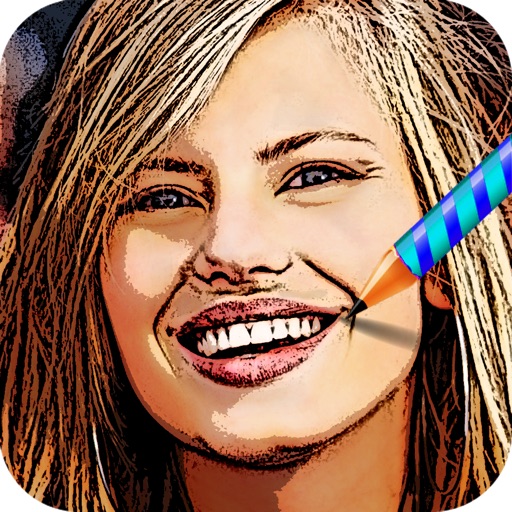
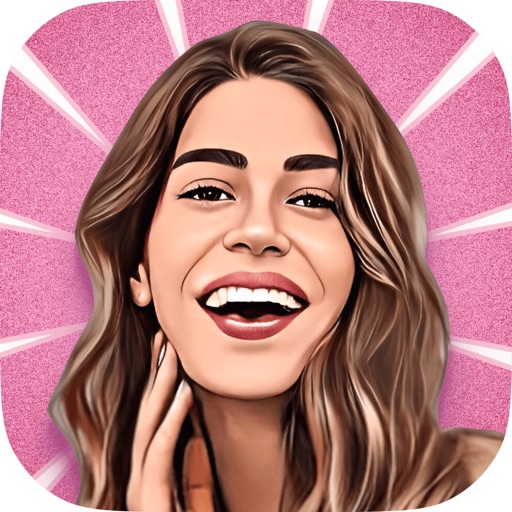
Turn photos into cartoons using AI-powered effects. Pixelate images for pixel art styles. Remove and replace backgrounds instantly. Add rounded borders for profile pictures. Export edited photos in various formats.
Create artistic paintings from photos by selecting from 92 styles and adjusting focus points to emphasize different elements. Modify paintings by moving focus areas for unique effects. Export and share the final artwork.
The app allows users to decorate photos with over 200 stickers themed around different world football teams. Users can edit photos from their camera or gallery to create montages and share them on social networks.
Turn photos, drawings, or objects into 3D animated monsters with AI. Add funny features, animations, and sound effects. Create shareable video clips and export in various formats.