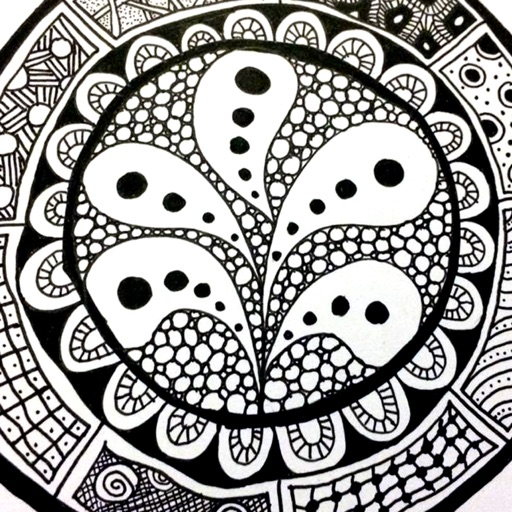
The app provides a reference guide for doodlers, featuring 100 tangle patterns with drawing instructions. Users can browse a gallery of creations and share their own drawings.
by Lightwood Consultancy Ltd★ 4.135 ratingsReference$2.99Data updated 2026-11-11
Set wake-up time and choose preferred sounds. Features include a for reliable waking, sleep pattern personalization, and a always-on display for easy time checking.
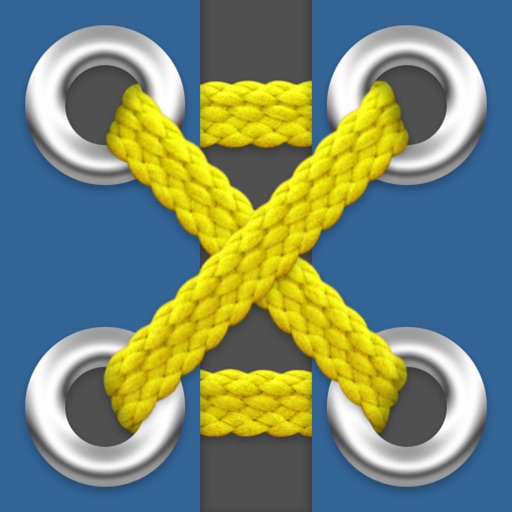
The app presents 52 shoe lacing methods with 112 variations. It includes diagrams, instructions, and tips for each method, with no internet access required.
Edit photos with filters, effects, and frames. Adjust brightness, contrast, and balance. Crop, rotate, and straighten images. Add text, stickers, and drawings. Paint on photos or blank paper. Apply splash and tilt shift effects.
Learn to fly with detailed information on aircraft systems, flight maneuvers, and airspace regulations. Access FAA Knowledge Exam questions and study materials. Track progress with practice tests and review sessions.
Learn and knitting with step-by-step tutorials. Follow beginner-friendly patterns and create custom designs. Access smart tools for measuring and tracking progress. View clear instructions and diagrams for each stitch.
The app provides a digital whiteboard experience for drawing and sketching. It offers multiple marker colors and tip sizes, with undo/redo functionality and the ability to save drawings.
View over 700 verbs across 18 tenses. Search for specific verbs quickly. Tap to hear pronunciations. See example sentences for each conjugation. Save favorite verbs to a list.
The app provides 2D vector drawing and design for iPad and iPhone. It offers unique offset controls for precise finger-based editing and supports iCloud synchronization with its Mac version.
Learn flashcards using to improve memory retention. Create and share flashcards with friends or classmates. Add images, text, code, and drawings. Sync cards across all devices. Use text-to-speech for pronunciation in multiple languages.
Create and customize for cross and pixel art. Set grid size up to 1,000 x 1,000. Choose display formats including symbol, fill, and . Use rulers and context menus to copy, move, flip, or clear elements. Duplicate pages and select starting positions.
Learn drawing and painting techniques through step-by-step tutorials. Access art instruction guides for pencil drawing, acrylic painting, watercolors, and more. Follow along with interactive lessons and practice exercises.
Install fonts for personalization in compatible apps like , Excel, and Keynote. Access themed packs including OpenDyslexic, Dyslexic, and Wedding styles. Use fonts in Cricut Design and Office Suite Pro applications.
Track patterns, organize collections, create custom categories
Organize sewing patterns and projects in one place. Browse and search your collection. Create custom categories and track purchased or made patterns. Add notes, photos, and links. Maintain project history and inspiration together.
Reference "Access for programming languages like PHP, JavaScript, and Python. Find guides for tools such as Git, Mercurial, and Subversion. Includes HTML, CSS, and SQL syntax references along with color codes and character entities."