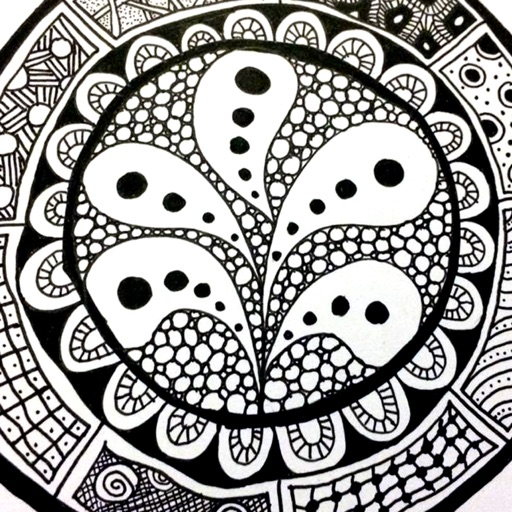
The app provides a reference guide for doodlers, featuring 100 tangle patterns with drawing instructions. Users can browse a gallery of creations and share their own drawings.
by Lightwood Consultancy Ltd★ 4.135 ratingsReference$2.99Data updated 2026-11-11
This reference app provides complete definitions, descriptions, and illustrations for all three pavement types. It includes color photographs, reference drawings, and methods for measuring distress size and assigning severity levels.
Convert AI-generated text into natural-sounding human writing. Paste text to rewrite it with personality, nuance, and flow. Improve essays, emails, reports, captions, and scripts. Avoid AI detection patterns. Export edited text directly.
Draw freely using customizable brushes and colors on a canvas, save creations as images to the album. Paint over existing photos from the library and save results. Write notes anywhere and save as images.
Track projects, organise patterns, and stay inspired
Track knitting projects with progress updates, notes, and reminders. Organize patterns, yarns, and needles in a digital stash. Set project deadlines and receive notifications. Sync projects across devices and share completed works.
View over 1500 verbs in 16 tenses. Search for verbs quickly using built-in navigation. Tap to hear pronunciations with internet connection. See example sentences for each conjugation. Save favorite verbs to a list.
The app allows users to create spiral drawings with colorful gears and rings. Users can import photos, use Apple Pencil, and draw hypotrochoids and epitrochoids.
Record notes, find Bible references, track visions
Record and organize words, visions, and dreams. Use AI to find biblical references and identify patterns. Set reminders and sync notes across devices. Access terms of use and privacy policy in-.
View daily schedules in a 24- pie graph. Select from 24 color patterns. Receive notifications for events. Save multiple schedules and switch between weekly days. Export schedule parts as images.
Create and edit patterns using a graphic interface. Manipulate sound through synthesis settings. Save and export custom sequences. Adjust timing and velocity for precise beats. Share projects with other users.
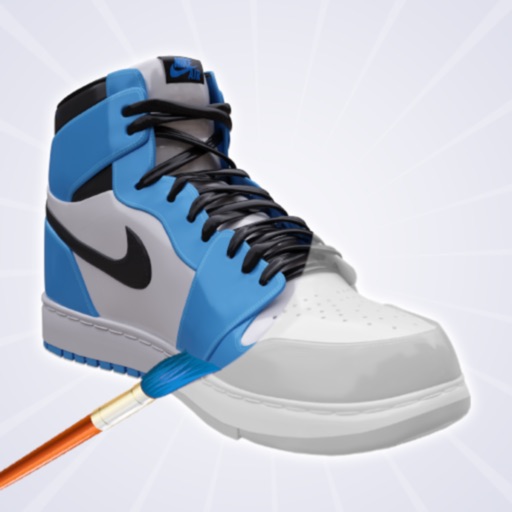
Create and customize shoe designs by selecting colors and patterns. Choose from various shoe models to personalize. Save and share completed designs. Access tools for detailed artwork.
Track projects, list supplies, and organize patterns
Track needlework projects with cross stitch, embroidery, quilting, and . Log fabric, beads, and patterns. Create shopping lists and organize inventory. Search, sort, and browse project details. Save progress and avoid duplicate purchases.
The app provides over 100 electronic business forms, including invoices and work orders. Forms support various controls, auto-calculations, signature capture, and drawing panels.