The app allows users to draw and write directly on the desktop above all application windows. It provides shapes, colors, text input, and an eraser for screen annotation.
by 君 许★ 0.00 ratingsUtilitiesFreeData updated 2026-10-26
Draw on a or whiteboard with adjustable brush sizes and multiple paint colors. Create shapes like lines, arrows, circles, and polygons. Add text with customizable font sizes. Import photos and record video directly within the .
Draw and paint images using customizable color pencils, pastels, and brushes. Choose colors freely and adjust settings for precise control. Save artwork to camera roll and share via Facebook or Twitter.
Coloring pages allow toddlers to draw and color in various themes. Pages include animals, dinosaurs, dolls, and more. Features include hand-eye coordination exercises, color recognition activities, and creative tools.
Create intricate tessellations and mandalas using 20 symmetry options. Draw with customizable colors and patterns. Adjust symmetry settings to design complex shapes. Save and export artwork in various formats. Share creations directly from the .
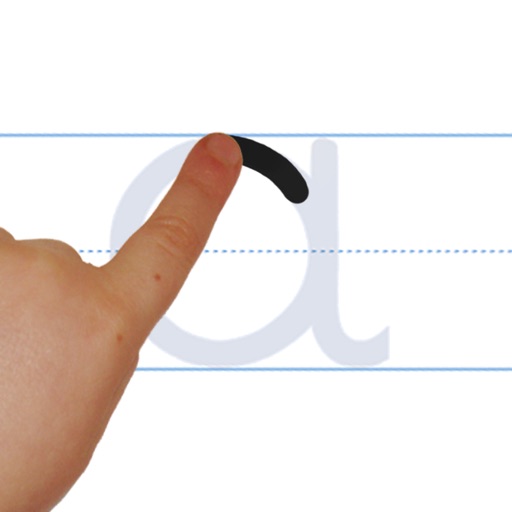
Learn to with guided lessons, text, voice, and video instructions. Access 1000+ tutorials across all skill levels. Follow personalized learning paths. Use Apple Pencil for . Track progress with structured lessons.
Use your phone camera to draw on any surface. Access templates for animals, cars, and nature. Utilize the built-in flashlight for better visibility. Share completed drawings with friends. Create art using augmented reality technology.
Use your iPhone to control on a Mac. Change slides in Keynote or PowerPoint. Draw remotely with color and tool options. Clear the screen by swiping left. Access flashlight by swiping right. Repeat last drawing action. Enable typing.
Create animations with drawing tools, color options, and frame management. Import images or draw directly. Export and share animations on Cineverse. View progress and refine frames for detailed editing.
The app offers drawing tools, color options, and frame management for creating animations. Users can export animations to video or animated GIF formats and share them.
Create art using realistic and watercolor effects. Draw with tools like marker, airbrush, crayon, and eraser. Apply fluid-based watercolor effects in the full version. Adjust colors and blend textures for detailed illustrations.
Access a collection of 60+ sounds for various uses including sound effects, game night buzzers, and flashlight activation. Play sounds with a single button in Big Button mode. Trigger flashlight via camera LED if available.
Control LED brightness and use built-in screen or LED for lighting. Access different light modes for stroboscope, graffiti, and SOS. Enable fullscreen mode without interface elements. Use Siri Shortcuts and quick home screen actions. Customize icon.