The app provides drawing tools including airbrush, pen, pencil, line, rectangle, and ellipse. Users can control tool color, size, and transparency, and manage layers with transparency and visibility settings.
by Jarrod Luker★ 5.01 ratingsProductivityFreeData updated 2026-10-26
Create , weekly, or monthly plans using customizable templates and calendar views. Add notes, stickers, and backgrounds to personalize tasks. Edit entries with finger, Apple , or keyboard input.
Create and refine sketches and designs with layering and scaling features. Add symbols, text, and dimensions. Import images or plans to set scale. Zoom without quality loss. Rotate elements or the entire drawing.
Create art with customizable colors, brush sizes, and opacity. Import photos from camera or library. Save and share designs via social media, email, or SMS. Clear canvas for new creations.
Over image templates with automatic pen tracking for accurate . Select from preloaded categories like animals, flowers, and vehicles. Choose from over 150 colors to customize drawings. Export final artwork in various formats.
Create vector artwork on iPad with precise drawing tools. Align objects to grids, paths, or points. Scale and rotate multiple objects in real time. Use masks to cut out elements from artwork or photos. Position text at any angle or along paths.
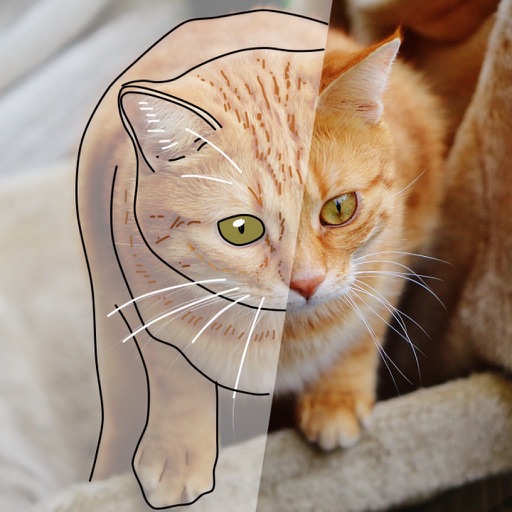
Create sketches and drawings using built-in brushes and canvases. Trace real-world images with AR technology. Save and share artwork directly. Adjust brush size and opacity for detailed work. Import images to base drawings on.
Color images of characters and skins using bucket, pencil, brush, and eraser tools. Customize artwork with over 100 stickers. Access hundreds of images from the universe. Save and share completed colorings.