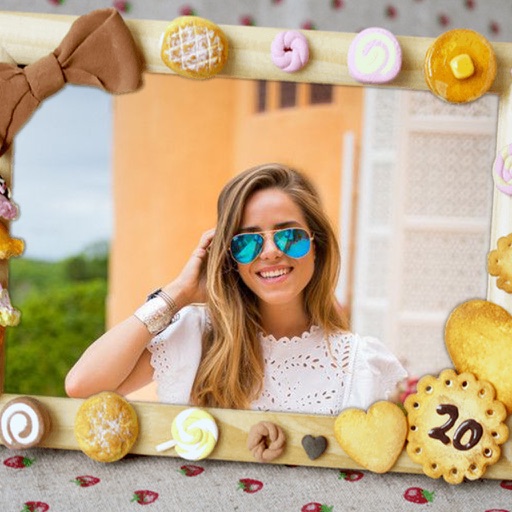
Capture photos with a variety of frames including general, antique, fame, fun, heart, flower, kid, Christmas, Halloween, diamond, and gold. Use custom frames with adjustable transparency, hue, saturation, and brightness. Apply filters and effects.
by Ratha Sou★ 4.113 ratingsPhoto & VideoFreeData updated 2026-09-08
Decorate photos with customizable and effects. Choose images from the gallery or capture new ones. Adjust position, size, and angle. Save, share, or upload edited photos to social media platforms.
Decorate photos with customizable and effects. Select images from the gallery or capture new ones. Adjust position, size, and angle. Save, share, or upload edited photos to social media platforms.
Capture photos with customizable cup . Add text, stickers, and filters. Share edited photos directly with friends and family. Save and view moments from house visits.
Take selfies with pip effects and apply filters like sepia and vintage. Create collages and edit photos with various effects and frames. Select images or capture new ones and enhance them with pip features. Share edited photos directly.
Edit photos with 3D and color effects to create立体 art. Apply special effects to enhance images. Save and share edited photos directly. Use fun and intuitive editing tools for creative customization.
Edit photos with AI cartoon filters, -to-sketch conversion, and mosaic art creation. Remove backgrounds, add drip art, and create collages. Save and share edited images directly.
Edit photos with HD quality frames and multiple frame options. Apply advanced color effects and bokeh blur. Add stickers and labels with various fonts. Share edited photos directly. No ads or pop-ups.
The app creates stop motion animation. This technique makes a manipulated object appear to move by photographing it in small increments between frames.
The app allows users to load video files and play them frame by frame. Users can select specific frames, crop them, and export them in various image formats.
Edit photos by selecting from the gallery or using the camera. Apply multiple and effects. Adjust position, size, and angle. Save, share, or upload images to social networks like Facebook and Twitter.
Edit photos by selecting from the gallery or capturing new ones. Apply various and effects. Adjust position, size, and angle. Save edited images and share via social media, email, or messaging apps.
Create creative photos using unique and layouts. Apply effects like blurring and rain. Share finished edits via social media. Add photos to and adjust layouts.
Calculate and counts using a calculator interface. Convert between and frames. Support multiple rates. Automatically correct inputs and results to ensure values remain within 24-hour limits.
Edit photos by selecting from the gallery or capturing with the camera. Apply multiple and effects. Adjust image position, size, and angle. Save, share, or upload photos to social networks like Facebook and Twitter.