Play music in the background while using other apps. Support multiple audio formats including MP3, MIDI, WAV, FLAC, AAC, APE. Create and manage playlists. Save data by playing offline. Stream trending songs without internet.
Access over a million guitar , , and sheet music for guitar, bass, ukulele, and drums. Import custom tab files. Sync favorites and playlists across devices. View offline. Adjust tempo and display notation.
Record and edit tracks with effects like echo and pitch adjustment. Choose from free, unlimited effects to modify voice tone. Access a large library of music genres for sampling and mixing. Share finished tracks directly from the .
Create and customize music with 139 sound presets including piano, guitars, ethnic instruments, and synths. Access 29 guitar tuning presets and 14 musical scales for composition. Adjust pitch, volume, and effects in real time.
Edit files and record from the microphone. Import various formats like MP3, WAV, and AIFF. Extract from videos or the web. Save in multiple formats including ringtone options. Adjust sound quality and settings for improved output.
Broadcast audio from microphone, files, or compatible apps to Icecast, Shoutcast, or RTMP servers. Stream live video from camera to YouTube, Twitch, Facebook, or Telegram. Combine audio and video sources for simultaneous broadcasting.
Measure acceleration, orientation, and motion with built-in sensors. Record and analyze real-time data for experiments. Detect and generate sound tones. Visualize audio waveforms. Export measurements and graphs for scientific use.
Create beats using a drum pad interface with customizable sound packs. Record up to 32 sequences to build full songs. Edit and arrange patterns with visual feedback. Export tracks in multiple audio formats.
Create and edit music using an analog synth with patching capabilities. Use a 16-step sequencer to arrange patterns. Tap to create drum parts with a six-part drum machine. Share compositions online via SoundCloud.
Remove vocals or instruments from audio files using AI. Upload unlimited tracks and export edited audio. Extract isolated vocals or instruments for music production.
The app plays videos without conversion, supporting numerous audio and video formats. It allows downloading files to a device or browsing network shares.
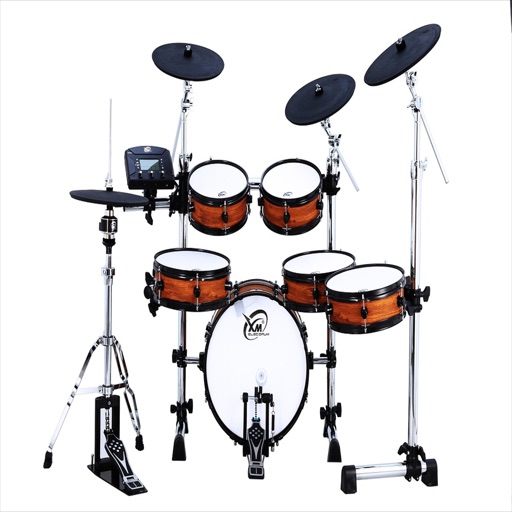
Play drums using professionally sampled kits. Tap pads or use sequencer to create beats. Export recordings as audio files. Sync with Media Library and Apple Music for playback. Remove ads via in- purchase or Pro version.
The app offers 8 realistic drum sounds and instruments including kick, bass, snare, and cymbals. It supports multitouch and simultaneous song and drum playing.
The app provides a music production environment with a piano keyboard and studio-quality instruments. It includes a multi-track sequencer for editing notes and applying effects.
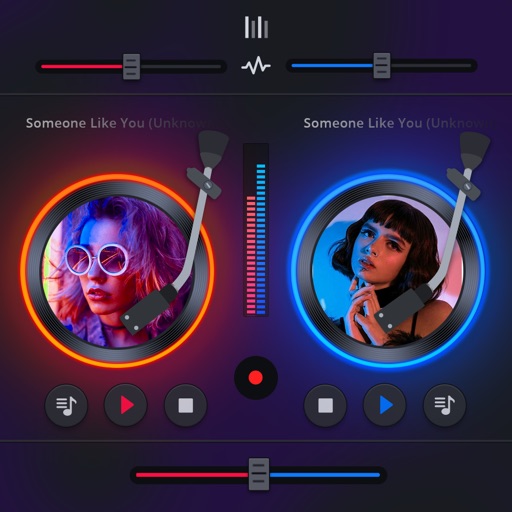
Manage playback with a 3D DJ interface featuring turntables and a 3-band EQ . Access a library to organize files and create custom mixes. Adjust volume and effects in real time during playback. Sync with external devices for live mixing.