Apps Like Studio Pass for VST Connect for iPhone and iPad
Client feedback from a portable device.
The app allows a client to use an iOS device to connect via the internet and send a mix live. It supports video for communication and talkback capability for feedback and requests.
by Steinberg Media Technologies GmbH★ 2.713 ratingsMusicFreeData updated 2026-10-22
Convert iPad with USB-C to portable monitor using capture card for content creation and gaming. Enable internal capture for versatile video recording with adjustable resolution and frame rate.
Create private AI workspaces for projects. Record voice notes, analyze documents, and collaborate with AI teams. with local or cloud models while keeping data secure.
Create and manipulate sounds with customizable oscillators and filters. Adjust envelopes and LFOs for tone shaping. Apply studio-quality effects like reverb and distortion. Save and load presets. Export audio files and share directly.
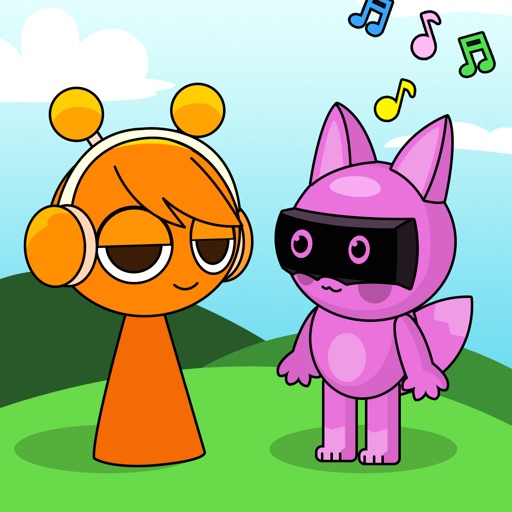
Create and edit musical scenes using customizable Starklies. Mix different characters to design unique music scenes. Adjust color, pose, animation, size, and audio for personalized creations.
Create using audio loops and 150+ sound packs. Apply digital effects, control pitch and reverb. Adjust volume, BPM, and save or share tracks. Record voiceovers and one-shot beats for custom mixes.
Manage song rights and credits by logging collaborator details via QR check-in. Share audio, lyrics, and voice memos with other creators. Sync song data from DAWs and recording software. Track release progress and manage distribution.
MidiController allows iPhone or iPad to function as a via USB, WLAN, or Bluetooth. Send notes, continuous values, and program changes to connected devices. Customize unlimited Pushes, Buttons, and Sliders with adjustable values and behaviors.
The app provides live video stream viewing and control from cameras and video encoders. It supports multi-channel video encoding, authentication, and Pan, Tilt, and Zoom control.
Record audio and video with -quality sound. Edit recordings, add effects, and mix tracks. Collaborate remotely and share files. Use a built-in wireless microphone for portable recording. Sync with iPhone for seamless integration.
Access meeting content via data connection. Listen to sermons and messages. Navigate through sessions and track progress. Sync with account to receive updates and manage subscriptions.
Create and mix music using modular devices like samplers, mixers, and effects. Add sequencers and effects plugins. Customize setups with expandable gear. Import and export audio files. Connect to external hardware and software.
Adjust track volumes with precise fader control. Modify equalization settings to shape audio. Access transport controls for playback and recording. Sync with for real-time DAW interaction.