Apps Like WordPack: Word Cloud Generator for iPhone and iPad
Pack words into shapes and customize layouts
Create images by arranging words into predefined shapes. Customize with color themes, fonts, and layout options. Adjust text processing to highlight frequently used words. Export and share the final design.
by Alexey Tataurov★ 4.41,299 ratingsPhoto & Video$0.99Data updated 2026-11-01
Add custom captions to videos with font, color, and layout customization. Adjust text size, position, and spacing. Combine captions by word count. Export videos with captions and share directly.
Generate captions for videos using AI. Edit and style text with customizable fonts, colors, and animations. Add captions to social media posts and videos. Sync captions across platforms. Export captions in multiple formats.
Convert text into videos using pre-designed templates and styles. Choose from various themes and backgrounds. Add music and text overlays. Export and share the final .
Create animations using gestures. Explore shapes, patterns, and effects. Export screenshots as wallpapers. Perform live animations for parties or VJing. Edit and improvise animations in real time.
The app allows users to create banner messages with customizable backgrounds, colors, and fonts. The full version offers additional backgrounds, fonts, and removes advertisements.
Appearance with themes and colors. Adjust effects and layout. Change key shapes and add stickers. Share custom designs with others. Apply themes to multiple devices.
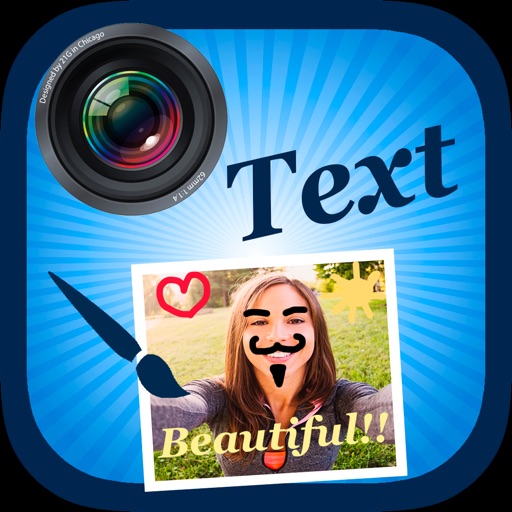
The app allows users to add text and filters to photos. Users can select from various fonts and adjust text properties like transparency, color, and shadow.
Edit by selecting from the gallery or taking a new photo. Adjust images to a square format. Add text with customizable fonts, colors, and borders. Move, rotate, and scale text. on with finger input.
Read and search the in with clear, faithful translation. Access chapters, verses, and cross-references. Highlight and bookmark passages. Share verses with others. Sync reading progress across devices.
Create albums and collages with customizable text, fonts, and colors. Add stickers, , and backgrounds. Design greeting cards with personal messages. Edit images with predefined styles and categories. Share edited photos directly.
Edit photos with 50+ filters and flare effects. Adjust contrast, brightness, saturation, and exposure. Add text with custom fonts and colors. Apply splash effects with multiple shapes and background blur. Save and share edited photos.
Create promotional flyers, advertisements, and cover photos with customizable templates. Add text, images, and graphics. Choose from various design elements and layouts. Export designs in multiple formats and share directly.
Edit by adding customizable with unique fonts. Adjust photo size and crop images. Modify color, add borders, and adjust brightness. Share edited directly from the .
Create intros with customizable effects and music. Add glitch and trending animations. Export videos in 1080x1920 resolution without watermarks. Access weekly updated themes and styles.
Search hymns by word or number. Bookmark favorite hymns for quick access. Display highlights searched words. Browse search results or entire hymnbook. Choose between dark and light themes. Adjust font size and style in settings.