Stream and download from Google Drive, Dropbox, OneDrive, iCloud Drive, and Apple . Import songs via WiFi, iTunes File Sharing, or AirDrop. Organize into playlists and play .
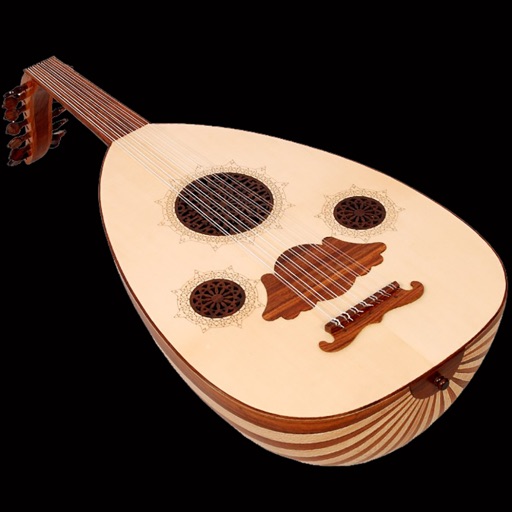
Play with strings and bow control. Choose from oriental, Iranian, and Western musical styles. Adjust rhythms and chords. Practice with built-in tutorials and performance modes. Share recordings directly.
Edit by cutting, trimming, splicing, and merging clips. Apply fades and crossfades. Adjust volume and equalization. Record high-quality directly. Export in various formats. Collaborate by sharing files and syncing projects across devices.
Adjust audio and video files by changing pitch and speed. Set pitch adjustments in half-tone increments with color-coded feedback. View speed changes as multipliers and track tempo in BPM. Supports multiple audio and video formats for editing.
Edit audio with multi-track and single-track modes. Cut, trim, and rearrange tracks with millisecond precision. Record audio, mix tracks, and zoom in for detailed editing. Save and export projects in various formats.
Download from various sources including cloud storage and devices. audio and video files offline without internet. Transfer via Wi-Fi. Import from Apple and other file systems. Sync and organize library across devices.
Create and with touchable waveforms and real-time loop building. Slice and rearrange sounds across genres. voice or other sounds to develop musical ideas. Export and share finished tracks.
Edit audio files with waveform visualization. Change playback and pitch independently. Record and save modified audio. Separate stems to isolate vocals, guitars, or drums. Create backing tracks or practice isolated instruments.
The app allows users to compose music for various ensembles and offers handwriting recognition with Apple Pencil. Users can import scores, edit notes, and export compositions as PDF, MusicXML, or MIDI files.
Play with a full 88-key keyboard. Adjust key size for easier touch. Choose from a sampled or 128 MIDI instruments. Zoom in and out for better control. Includes a single banner ad. Optimized for iPad use.
Interactive fingering charts for woodwind, brass, fret, and string instruments. Tap valves or keys to play notes. View detailed diagrams for flute, clarinet, guitar, violin, and other instruments. Sync with audio for note recognition.
The app plays videos without conversion, supporting numerous audio and video formats. It allows downloading files to a device or browsing network shares.
The app helps musicians learn songs, practice rhythms, and perform with a band. It offers tools for understanding complex rhythms and tracking progress.
The app plays back audio files, allowing users to alter playback speed and pitch independently while maintaining audio quality. Its interface is designed for keyboard control, enabling musicians to practice with an instrument in hand.