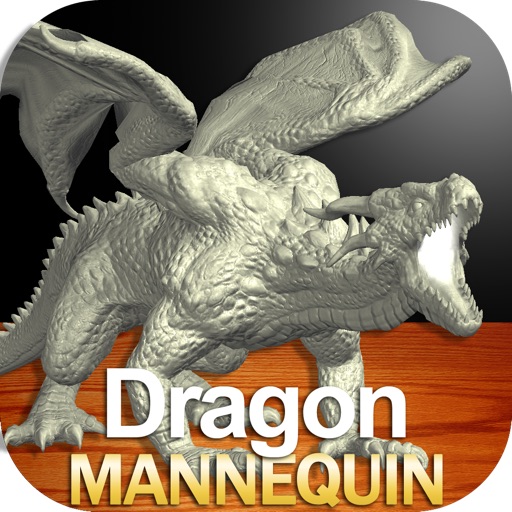
Draw a with poseable limbs and adjustable joints for custom poses. Use reference tools and skins to enhance detail and realism. Adjust camera angles and select backgrounds and platforms for accurate drawing.
Select a reading technique and draw cards to receive insights on personal questions, relationships, and future decisions. View detailed interpretations of each card. Share results with friends or save readings for later review.
Convert images into -stitch patterns by uploading and converting them. Edit patterns with color and pixel settings. Choose canvas and thread manufacturer. Save as PDF. Adjust grid visibility and highlight colors.
Card allows users to create custom note drills on the grand staff. Set whether the teaches or tests. Include built-in games for individual or group use. Adjust difficulty and track progress through repeated practice sessions.
Customize subscriptions and watch content seamlessly
Help users manage subscriptions by showing where to watch desired shows and movies. Compare available services, track release dates, and decide which subscriptions to keep or delay.
Draw and share chemical structures with interactive tools. Calculate molecular formula, molecular weight, monoisotopic mass, and elemental composition in real time during drawing.
Draw a -Rex by adjusting poseable limbs and joints. Use reference tools and skins for detail. Change camera angles and backgrounds. Animate natural movements for realistic poses. Select from various platforms and styles.
The app presents a game where players decide if statements are true or false. It includes over 1000 facts across various topics like geography, science, and history, with options for single-player or two-player modes.
Learn colors, letters, numbers, and animals through interactive games. Create drawings and puzzles. Receive feedback and track progress. Share creations with others. Sync across devices for continued learning.
The app allows users to create drawings and sketch templates. Content created within the app can be shared via a link or exported in various formats including email, photo, video, and PDF.
Create interactive lessons with multimedia content. Annotate, highlight, and draw on digital whiteboards. Collaborate in real-time with multiple users. Share notes and presentations across devices. Integrate with classroom management tools.
The app allows users to draw and design with various line weights, colors, and types. It includes tools for adding text, different paper grids, and saving or exporting drawings as pictures or PDFs.
Create and animate drawings of characters like butterflies, frogs, and hedgehogs. Use drawing tools to sketch step by step. Watch creations animate and share drawings with others.
The app allows users to draw, paint, or sketch any picture. It offers custom settings for color pencils, pastels, and brushes, and users can save their artwork to their camera roll.
The app allows users to create watercolor paintings by generating sketches from a camera or from scratch. Users can select colors, line thickness, and brush types to draw freely on the canvas.
The app allows users to draw and display custom marquees. Users can export their creations as MP4 videos, utilizing multi-color options, adjustable stroke widths, and four directional movements.
Draw and color characters directly on the screen or with a pencil on paper. Access a public gallery to share art. Follow step-by-step drawing guides. Color pages with solid or gradient colors. Color pixel art by numbers.
Children can select animal-themed pages to or draw. They can customize colors, add patterns, and save their artwork. Features include a variety of like dogs, birds, and elephants, and the ability to create and share their drawings.
Use the to capture or select a reference image for painting. Adjust the canvas size to match the chosen window. Access grid options like the golden ratio or use no grid.