Create custom photo books and prints from Instagram or camera roll photos. Select and arrange images for print. Order physical photo goods directly within the . Share completed projects via social media or email.
by Artifact Uprising LLC★ 4.55,200 ratingsPhoto & VideoFreeData updated 2026-09-08
Create collages by combining up to 16 photos. Choose from 250+ templates. Import and resize photos. Customize with backgrounds, frames, stickers, and text. Adjust angles and select from various fonts and colors.
The app allows users to add moments from their phone to a story. At the end of each month, photos are printed and shipped in a custom Photobox, creating a physical, tangible story that builds over time.
Edit photos by adding custom and text. Choose from themed layouts and seasonal designs. Share edited images directly with friends and family. Apply decorative elements to enhance photos for any occasion.
With Hi-Def, Scenery, Food, Portrait, and Night modes. Apply over 100 free and purchasable filters. Add stickers, frames, and overlays. Remove red eye and blemishes. Whiten teeth and adjust color with Splash. Enhance sharpness and draw or add text.
The app allows users to upload photos from their library to an online collection. Users can order prints in over 50 sizes, including custom photo books and calendars, with one-hour pickup available in Nebraska.
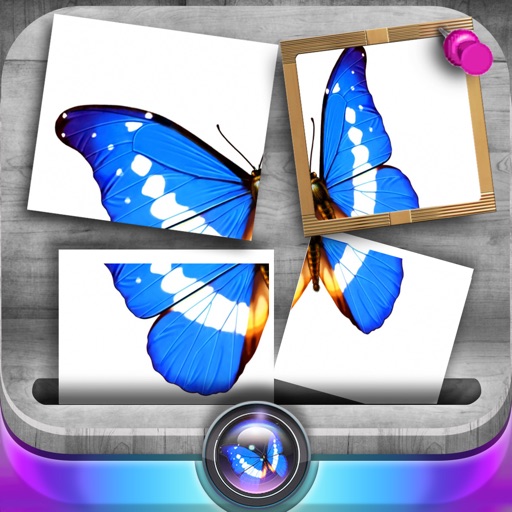
Edit photos by slicing and reassembling them freely. Decorate slices with stickers, frames, text boxes, backgrounds, and filters. Combine multiple photos by to create custom art.
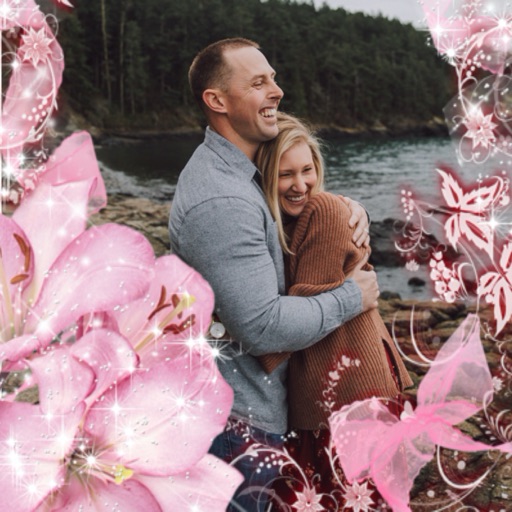
Select a or take a new one with the camera. Choose from over 30 colorful to decorate images. Apply different frame styles and designs. Save edited photos to the gallery and share them on social media.
Decorate photos with festive frames and color effects. Add bokeh effects and stickers. Share edited photos directly with contacts. Apply pre-designed frames and customize colors for images.
Create collages by combining multiple photos into one with customizable layouts. Apply one-touch filters for instant effects. Add text, letters, and stickers to photos. Export and share finished collages directly.
Send photos from Dropbox, Instagram, Facebook, or the camera roll for professional development. Choose from portrait, square, and landscape sizes. Select retailers for same-day pickup and enlargements. Print high-quality photos with pickup options.
Create slideshow videos by selecting templates, adding photos or videos, and applying transitions, animations, and effects. Customize with stickers, fonts, and music. Share directly to social media platforms or save to camera roll.
Select and apply unique to images. Choose photos from gallery or camera. Rotate and scale as needed. Save, share, or set photos in gallery. Display all saved photos in a list.
Edit photos with brightness, saturation, and contrast adjustments. Add text, stickers, and memes. Crop, rotate, and straighten images. Apply effects and frames. Sharpen or blur photos. Import images from the camera roll. Fix red tones.
Remove duplicate photos and videos instantly. Group similar shots to keep only the . Filter screenshots to delete unnecessary files. Free up storage space and organize the camera roll efficiently.
Select photos from gallery or photo library. Choose from numerous PIP frames. Use single image for both foreground and background or different images for each. Edit foreground and background separately. Apply photo filters.