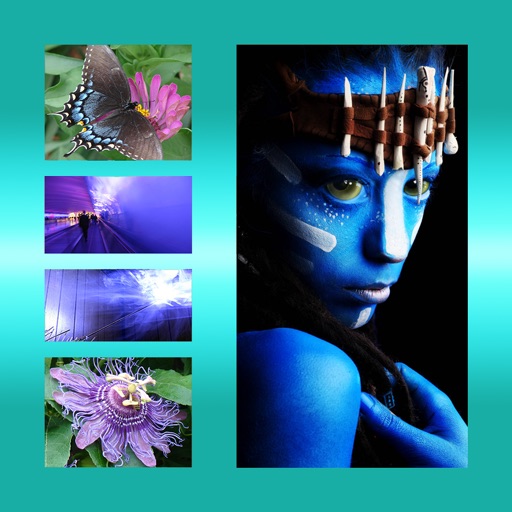
Edit photos with neon, shadow, and synthetic effects. Adjust brightness, contrast, and color. Add text, stickers, and transparency. Apply blur, cartoon processing, and halftone patterns. Invert colors and use copy-paste tools.
by GATEWEB CO., LTD.★ 4.523 ratingsPhoto & VideoFreeData updated 2026-09-08
Edit photos with AI style transfer to create oil paintings, watercolors, or sketches. Remove objects, blur screens, and clean backgrounds. Add artistic filters and export edited images in various formats.
Edit screenshots by selecting and redacting text, highlighting key details, adding strikethroughs, and drawing freehand annotations. Adjust text appearance with styling options and export edited images.
Edit photos and videos with filters, effects, and adjustments. and scale using predefined canvases. Rotate, flip, and blur images. Add text, stickers, and frames. Share full-size content to Instagram and other social media without cropping.
The app allows users to add text and filters to photos. Users can select from various fonts and adjust text properties like transparency, color, and shadow.
Create images from text descriptions using AI. Choose from 100+ artistic and futuristic styles. Edit generated visuals with basic tools. Export images in various formats and share directly.
Arthur Eduardo Skaetta Alvarez Desenvolvimento de Software LTDA.
Blur backgrounds, enhance portraits
Edit photos with blur and AI-powered segmentation to isolate subjects. Apply multiple blur effects and adjust settings for precise results. Export edited images in various formats and share directly.
The app allows users to combine multiple photos into one framed picture. Users can adjust contrast, brightness, and saturation, add text, and apply effects.
Display scrolling with customizable styles including color, background, font, and glow effects. Adjust scrolling direction for up, down, left, right, or fixed movement. Set content for messages, announcements, or personal expressions.