
Apps Like Pixel Playground for iPhone and iPad
Powerful, beautiful, and simple pixel editor.
The app offers a powerful, beautiful, and simple pixel editing experience for professionals, hobbyists, and newcomers. It features a clean interface, responsive drawing, unlimited undo, and a robust toolset for creating pixel art.
Pixel Playground screenshots
Ranked alternatives
Showing 401–420 of 1,000 ranked alternatives.

Color Shine - image splash
Alexander Dr. Rieger
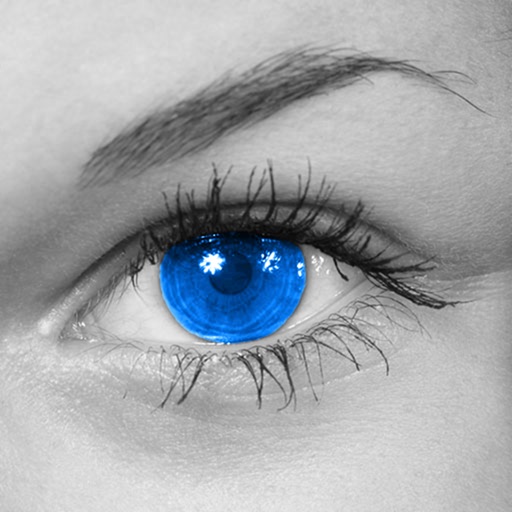
Make colors shine in photos.
The app converts photos to grayscale while allowing users to selectively recolor areas. Users can paint, zoom, and erase to create color splash images.


EasyDraw! LITE
ATBOSH Media Ltd.
Draw on any surface, choose colors, save
Draw on a customizable whiteboard with 60 background and brush color options. Select from 4 brush sizes. Save or share drawings. Use random mode to change brush size or color automatically. Access 20 levels of undo.
Pixel DSLR Shutter Controller
Pixel Enterprise Limited
Control DSLR camera shutter release remotely.
The app controls a DSLR camera shutter release with the Pixel BG-100 device. It supports single, continuous, delay, and bulb shooting modes, along with program shooting with customizable date, time, exposure, interval, and shoot count settings.


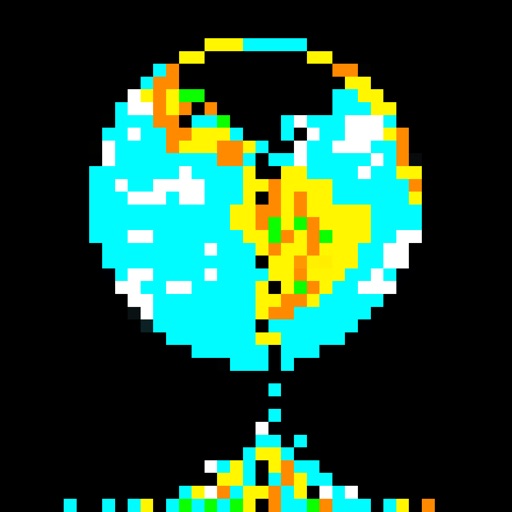
SandCam
Johannes Pfahler
Pixels fall and interact with touch.
The app allows users to take pictures and observe them collapsing under gravity. Dark areas function as empty space, and users can interact with falling pixels by touching the screen.


AR Drawing Sketch & Tracing
Patel Rikunj
And with guided lessons
Learn to draw with step-by-step tutorials covering animals, cartoons, and flowers. Practice by tracing images or sketching freely. Save and share completed artwork.


How we rank alternatives
Apps are ranked by functional similarity, category fit, rating confidence, and popularity.