Apps Like Sparkle FX Effects الصورة البراقة for iPhone and iPad
Make photos shine with effects
The app provides over 30 effects to make photos appear shiny and sparkly. Users can preview effects instantly and adjust transparency with an alpha slider.
by adel abdullah★ 1.09 ratingsPhoto & VideoFreeData updated 2026-10-20
Edit photos with one-tap AI enhancements and pro-grade filters. Apply cinematic looks, HDR boosts, vintage tones, and creative effects. Preview changes in real-time and save high-quality outputs.
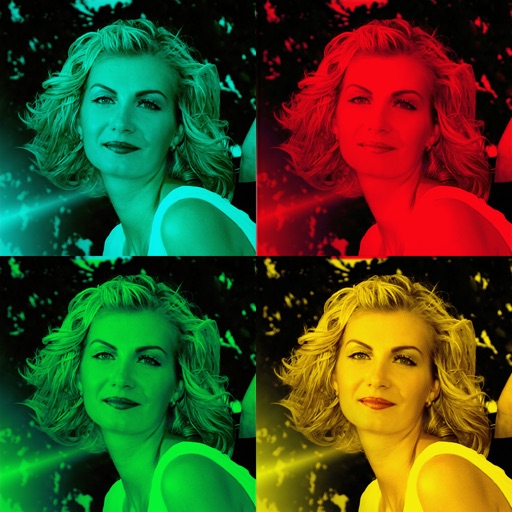
Create cinematic color pop videos by automatically detecting people with AI and keeping them in vivid color while fading the rest to monochrome. Adjust intensity with a slider. Preview changes in real time. Export in HD formats for social media.
Edit photos by selecting from the gallery or using the camera. Apply multiple and effects. Adjust position, size, and angle. Save, share, or upload images to social networks like Facebook and Twitter.
Edit photos by selecting from the gallery or capturing new ones. Apply various and effects. Adjust position, size, and angle. Save edited images and share via social media, email, or messaging apps.
Edit photos by selecting from the gallery or capturing new ones. Apply various and effects. Adjust position, size, and angle. Save edited images and share via social media, email, or messaging apps.
Take photos of surroundings or people using . Decorate images colors and effects. Share creations directly or save for later. Encourage creative and social interaction through playful activities.
Edit photos with advanced tools for color correction, exposure adjustment, and retouching. Apply , borders, and . Process multiple images in batches for resizing, renaming, and format conversion. Create compositions and draw digitally.
The app allows users to edit photos to create fake miniatures and adjust depth of field. Users can select or take a photo and apply blur tools for smooth transitions between focused and unfocused areas.
Compressor lets users compress single or multiple videos while keeping intact. Preview a 10-second clip before compression. Adjust compression ratio using a slider. Save space on the iPhone without losing important information.
Edit photos by selecting from the gallery or capturing with the camera. Apply multiple and effects. Adjust position, size, and angle. Save, share, or upload images to social media platforms like Facebook, Twitter, or email.
Edit photos by selecting from the gallery or using the camera. Apply various frames and effects. Adjust position, size, and angle of images. Save, share, or upload photos to social networks like Facebook and Twitter.