Take a and use the Move button to align the measurement area with the center of the . Adjust the measuring line using the Angle and Start Line buttons to display angle and radian values.
by Mayumi Kato★ 4.040 ratingsUtilitiesFreeData updated 2026-09-08
The app measures distances, perimeters, and areas with precision over satellite images. It calculates surface areas, dimensions for fencing, and more without needing to be on location.
Helps calculate mold angles for precise cuts. Users input spring angle and other measurements to determine bevel and miter angles. The provides visual guides for setting up compound miter saws. Includes diagrams for accurate positioning during cuts.
Measure areas and calculate distances using GPS. Draw polygons on maps to calculate field areas. Save and share data. Access detailed maps and satellite imagery for accurate surveying.
Measure angles and check surface flatness for home projects. Calibrate the tool, use hold mode, and auto fade when not in use. Display angles numerically and ensure verticality for walls or roofs.
Measure pitch and roll angles using a bubble level. Display time, date, and compass for reference. Save angle measurements with screen capture. Alternative bubble reading method for accurate readings. Simple and intuitive interface for quick use.
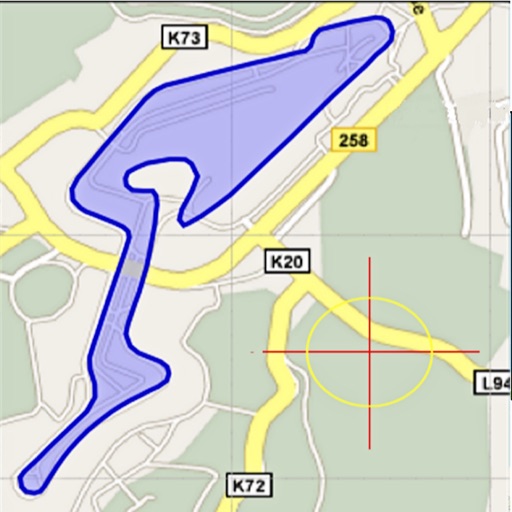
Area, lengths, and angles on maps using an interactive crosshair. Trace outlines to create connected points, updating area and perimeter in real time. Adjust radius for scaling features. View dynamic length and angle as you move the crosshair.
Calculate with a dual-line display showing input and result simultaneously. Use percentage and backspace functions. Choose from 18 color themes. Enter multi-line equations. Automatically format scientific expressions. Access via Split View.
Edit photos by applying and effects. Select images from the gallery or camera. Adjust frame position, size, and angle. Choose from multiple stylish frame options and effects.
Detects objects using smartphone's magnetic sensor. Identify nearby metals like iron, nickel, steel, and alloys. Locate lost keys, coins, and wires in walls. Does not detect non-magnetic metals such as silver, gold, or copper.
Calculate sales tax and discounts with percentage-based operations. View equations and reuse previous results via the history tape. Adjust rounding settings and switch between multiple color themes.
The app provides a photo editing experience with numerous effects. Users can select a picture and apply various filters like Night Vision, Heat Cam, Ripple, and Alien.
Capture photos with HDR and wide-angle settings. Adjust exposure manually or use automatic blending for balanced lighting. Apply Blue Sky feature to enhance sky clarity. Export high-quality images for marketing materials.
Plan and visualize shots from approach to target with overlays like entry angle and distance markers. Save favorite shots and use video mode for analysis.
Control the using touch gestures. Pair automatically with nearby devices. Use a trackpad to move the cursor and navigate with virtual buttons. Adjust cursor and scroll speed in settings. Send text from your phone to the .
Distances and angles by moving your device. Use accelerometer data to calculate length, width, and height. Determine angles with a protractor tool. Switch between ruler, , rangefinder, and 3D angle finder modes.