The app allows users to sketch and analyze structural systems on the iPad. Analysis results like deformations and section forces are visualized instantly, with finite element analysis performed in the background.
Access structural engineering tools including beam and truss calculators, frame analysis, and section databases. Generate wind and snow loads. View and manage models with 3D rendering. Convert units and design base plates and retaining walls.
The app offers a comprehensive civil engineering toolkit featuring 12 modules and over 500 calculations. It supports SI and USCS units and provides PDF report sharing for engineering tasks.
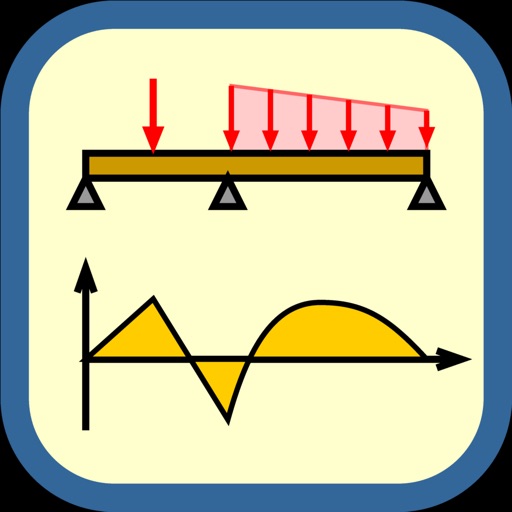
Structural engineers use to analyze beam configurations. Input load and geometric values to generate reaction, shear, moment, and deflection diagrams. Edit parameters and view updated structural diagrams in real time.
Calculates and stress for beams, trusses, and frames. Users input loads and select design standards. The generates load combinations based on chosen methods and categories. Results are displayed for structural analysis.
The app allows users to sketch beams and loads as they would on a pad, instantly viewing diagrams for shear, moment, deflection, and reactions. It enables rapid analysis of multiple beams and easy modification of designs.
Of materials for engineering students. Perform stress strain, torsion, bending, beam deflection, and principal stress calculations. Use built-in material presets for steel, aluminum, and concrete.
Calculator provides tools to analyze and convert and Civil parameters. Users can calculate critical bending moments for rectangular, open, and nonuniform cross sections. Additional calculators for stress and deflection are available via in- purchase.
Turn your device into a . Compose and manage unlimited scripts with no character or length limits. Adjust text size, font, and color. Scroll through text manually or automatically. Sync with external devices for live presentations.