View and play with page turning and playback. Annotate, organize, and import scores. Scan with a camera-based scanner. Access built-in scores and adjust key signatures. Sync with devices and share annotations.
Create sheet music with intuitive notation tools. Add notes, rests, and dynamics. Adjust tempo and key. Save and export scores. Share files directly. Sync with music lessons and rehearsals.
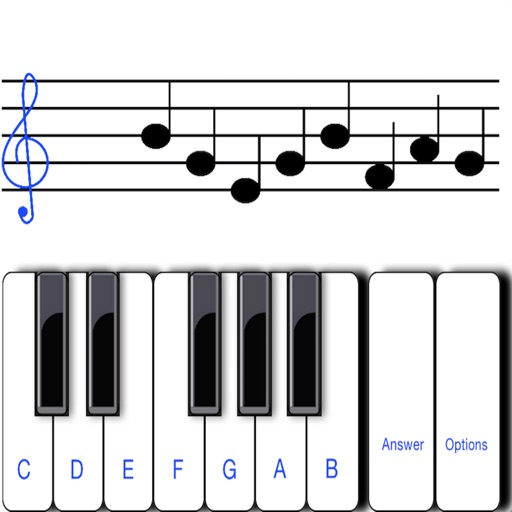
To sight notes in G and F clefs. Practice notes across six octaves, including those above and below the staff. Randomly generated notes apply to any instrument. Switch clefs for varied practice. Beginners can limit octaves and set their pace.
Create sheet music with tools for note entry, rhythm input, and score formatting. Adjust tempo and key settings. Export as PDF or image. Share directly or print for lessons and performances.
Music allows users to scroll through music continuously. Import MusicXML files or convert PDFs to . Access a free library of brass pieces and instructional methods. Annotate and edit music directly on iPad.
And arrange , bass, and drum parts in compositions. View and edit tablature for and drum parts. Use MIDI and Inter- Audio instruments for background sounds. Build harmonies and visualize note relationships.
Learn music theory with a visual . Explore relationships between major, minor, and diminished keys. View key signatures and triads. Play or mute chords and arpeggios. Lock the for reference.
Separate vocals, drums, and bass from audio tracks using AI. Edit individual stems, adjust levels, and export isolated elements. Save and share modified versions of tracks.
Identify musical notes in photos or imported files. Touch notes to hear their pitch. Repeat notes or intervals for practice. Supports JPG, PNG, and PDF formats. Designed for vocal groups and choral singers.
Create and refine chord progressions with real-time suggestions and harmonic analysis. Adjust key signatures, invert , and explore voice leading. Save and export progressions for use in music projects.