
Apps Like Filterloop: Photo Editor for iPhone and iPad
Edit photos with vintage effects.
The app provides tools for image adjustments like saturation and contrast. It offers light leaks, emulsion, grain, and scratch effects to mimic vintage cameras.
Filterloop: Photo Editor screenshots
Ranked alternatives
Showing 381–400 of 1,000 ranked alternatives.

Xmas Picture Frames
Maniya Pratik
Add , stickers, and filters to photos
Edit photos by adding Christmas , stickers, and filters. Apply text with custom fonts and colors. Create greeting cards and save edits in high quality. Share photos directly on WhatsApp.

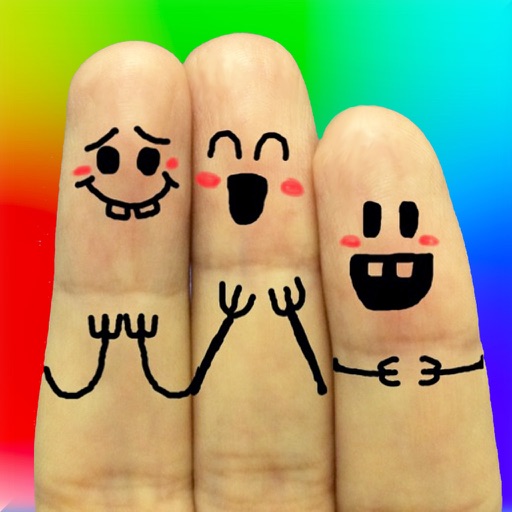
Cool Finger Faces - Photo Fun!
Ki Tat Chung
Create cool finger faces with photos.
The app allows users to create finger faces using photos from their camera roll or by taking new pictures. Users can add faces, items, stickers, and text, or draw their own creations.


Dark Table - Presets for LR
Sohel Ibna Saad
Edit photos with Lightroom
Edit photos using 300+ Lightroom for iPhone, including Portrait, Cinematic, Natural, Retro, and Instastyle filters. Apply instantly or export to Lightroom. Preview and organize across multiple categories.

AI Art Filters
Grzegorz Surma
Apply and share photos instantly
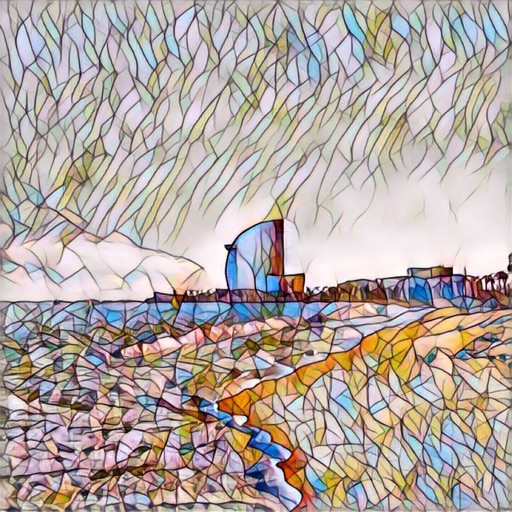
Enhance images with one tap using 16 . Apply effects and adjust brightness, contrast, and saturation. Share photos directly to Instagram, Facebook, and Snapchat. Export edited images in various formats.



PixelPoint HD - Photo Editor and Camera Photo Effects
Oliver Rice
Enhance and create stunning images easily.
The app offers tools to improve and enhance photos with features like brightness, contrast, and saturation. Users can apply various filters and effects, and also create and purchase canvas prints of their images.

Like Video & Short Video Maker
Hardik lukhi
Edit videos, add music, and share clips
Edit videos with trimming, cutting, and splitting features. Add music, transitions, filters, text, emojis, and keyframes. Apply slow motion effects. Create collages, add stickers, and enhance selfies using the built-in photo editor.
How we rank alternatives
Apps are ranked by functional similarity, category fit, rating confidence, and popularity.