The app provides tools for track analysis, including BPM and pitch. It offers features like equalizers, cue points, loops, and effects for creating mixes.
by GUILLEMOT CORPORATION★ 4.350 ratingsMusicFreeData updated 2026-10-18
Create loops by repeating played notes until they fade out. Adjust loop length and pitch. Layer multiple loops to build complex textures. Tap to start or stop playback. Save and share custom loops.
Edit audio files by reversing playback. Adjust pitch and time stretch audio. Access pro features like equalizer, delay, and reverb. Save and share modified audio files.
Control audio playback with a home screen . Adjust bass and equalizer settings for personalized . Boost volume for Bluetooth headphones and speakers. and enhance audio from compatible devices.
Record and edit files using multitrack editing. Cut, trim, and split segments. Apply effects and use a professional equalizer. Mix tracks and export in various formats. Share edited files directly.
Allows users to slow down audio, loop specific sections, and adjust pitch. They can isolate instruments using EQ, tempo while preserving sound quality, and export loops for practice.
Create and edit progressions with inversions, sus2, sus4, 7th, and 9th chords. Play chords as piano or synth or send MIDI to macOS. Use phone as MIDI keyboard for macOS. Practice reading musical notation.
Create and mix audio tracks with DJ tools, access from media or cloud storage, use high-quality pads and loops, apply filters via swipe gestures, and adjust pitch with the Pitch Key A feature.
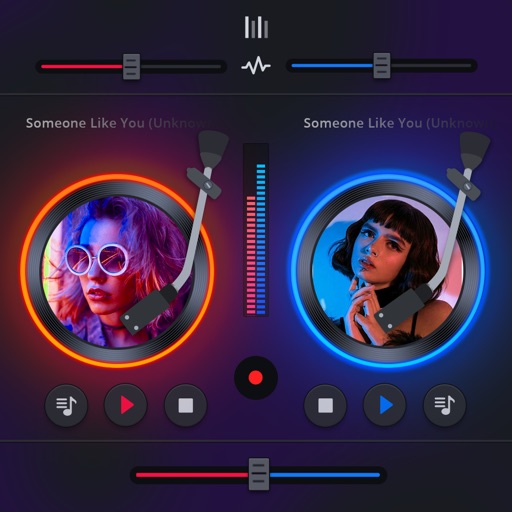
Manage playback with a 3D DJ interface featuring turntables and a 3-band EQ . Access a library to organize files and create custom mixes. Adjust volume and effects in real time during playback. Sync with external devices for live mixing.
Record and edit audio tracks with multi-touch controls. Mix and arrange audio files using a virtual mixer. Save and share projects directly. Access advanced features with compatible hardware.
Create music remixes and mashups using AI-powered tools and genre-based filters. Access a catalog of licensed tracks. Add sound effects and export final mixes. Share creations directly to social media platforms.
The app offers a redesigned interface and enhanced search for an immersive listening experience. Users can stream live radio, organize playlists, and customize genres for personalized browsing.
Create and edit music tracks using a wide range of drum and percussion sounds. Adjust rhythms and beats with an improved jamming algorithm. Export finished projects in multiple formats and share directly.
Play gigs, buy records, and build a record collection to advance your DJ career. Mix tracks to create sets, compete in events, and unlock new music. Customize your DJ setup and manage a virtual club to host live performances.
Create evolving melodies and patterns using polyrhythms. nd control up to 8 sounds simultaneously. Store 16 project configurations. Use a sampler with envelopes, filters, loop crossfading, LFO, and more.
Edit and mix with FX, 3-band equalizer, and 9-pad sampler. Load tracks from iTunes or external sources. Record mixes and voiceovers. Use gyro-based scratching and set loop points. Apply skins and access a sample library.
Play with touch keyboard. Create and save music compositions. Mix tracks and share files via social media or messaging. Export in audio format. Adjust tempo and volume settings.
Use AI to separate vocals, drums, guitar, bass, piano, strings, and other instruments from any song. Adjust playback speed and key. Organize and share work-in-progress music. Transcribe lyrics and edit audio tracks.
Edit and remix music by separating tracks like vocals, drums, and guitar. Add MIDI instruments and apply audio effects. Use AI chord detection and a smart metronome. Remove vocals or isolate instruments from any song.