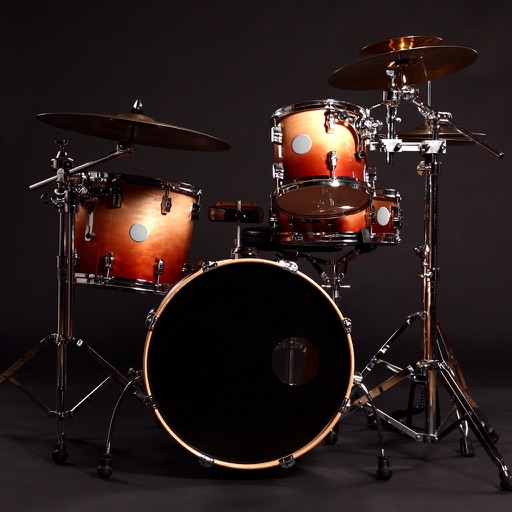
Learn drum rhythms with real drum sound kits. Tap to receive text feedback. Access high-quality, mastered drum kit sounds. Play multiple drum kits simultaneously.
by CREATELEX LLC★ 4.4262 ratingsMusicFreeData updated 2026-09-08
Play drums using taps for realistic sound and responsive touch. Choose from 4 drum kits including classic, electronic, rock, and vintage. Create original beats or follow along with favorite songs. Sync with audio for rhythm practice.
Create and play with real instruments including pianos, guitars, oud, synths, and strings. Access 1,000+ multi-sampled sounds with effects and smart scripts. Use global styles and rhythms with dynamic drum kits.
View and playback guitar, bass, and drum with realistic playback. Access unlimited learning features like speed control, looping, soloing, muting, and pitch shifting with a subscription. Export and share chord progressions.
The app provides a drumming experience with 33 stereo drum kits and recording capabilities. Users can play along to loops, adjust pitch, and utilize features like double bass drumming and lefty mode.
Play tap-based games with 300 mini games and more added regularly. Customize game settings, choose themes, and use music and color options. Share achievements socially. Use , guitar, drum, and dubstep instruments. Suitable for all ages.
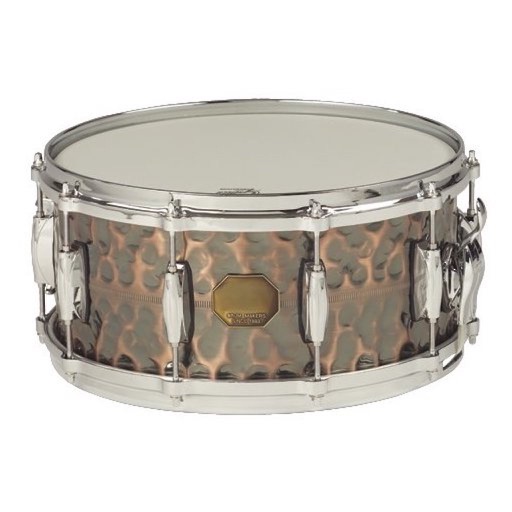
Create and customize drum rhythms with real recorded drum sounds from the Paul Rennick 2012 Santa Clara Vanguard. Play along with pre-recorded drum lines, practice timing, and edit beats. Adjust time signatures and share compositions.
Create beats using 154 drum kits. Adjust tempo and rhythm patterns. Customize sounds with effects. Save and export loops. Share creations via social media. Sync with other devices for collaborative projects.
Watch animated drum sets and sing along to popular nursery rhymes. Tap to play sounds and rhythms. Loop background music. Use smooth animations and bright colors to entertain young children. Sync across all devices.
And arrange , bass, and drum parts in compositions. View and edit tablature for and drum parts. Use MIDI and Inter- Audio instruments for background sounds. Build harmonies and visualize note relationships.
Access a wide range of tracks from various genres and artists. Search and filter to find preferred backing . Use high-quality kits for practice or performance. Offline access ensures reliable playback without internet.
Tap the iPhone screen to play drums with a simple drum kit. Choose from 30 instrument sounds including snares, cymbals, tomtoms, and hand-claps. Adjust volume for each instrument. Customize instrument layout in 2x2 or 3x3 grid.
Create beats and melodies using drum kits, synths, and melodic instruments. Sample audio via phone microphone. Edit MIDI sequences and export tracks to Live. Explore sound libraries and experiment with effects. Save and share musical ideas directly.
Play drum kits with a customizable drumpad layout. Choose from multiple drum sounds for different genres. Control song playback and adjust speed in real time. Mix sounds and adjust volume with a simple interface.
Create and mix music beats using loops, drum patterns, and samples. Record original melodies and mixtapes. Play on virtual pads with tap-to-trigger functionality. Export and share tracks directly.
Create and customize drum rhythms. Adjust tempo, edit loops, and practice splits. Export compositions. Play along with generated lines. Record and refine exercises. Share or save custom beats.
Create music with sample blocks, drum kits, and construction tools. Arrange beats and melodies. Export tracks and share directly. Adjust effects and tempo.
Play drums using taps on the screen. Choose from various drum kits and rhythms. Adjust volume and effects. Save and share performances. Sync with external audio devices.