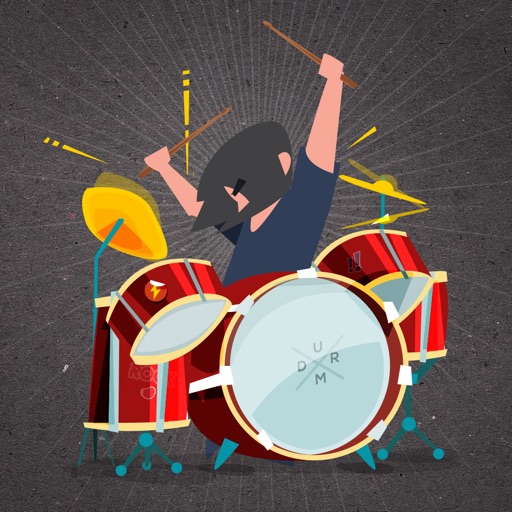
Play drums using taps on the screen. Choose from various drum kits and rhythms. Adjust volume and effects. Save and share performances. Sync with external audio devices.
by Indigo Penguin Limited★ 3.17,750 ratingsEntertainmentFreeData updated 2026-09-08
Play drum and learn to play rock, Caribbean samba, and polka styles. Tap to create rhythms, adjust tempo, and select from free drum tracks. Save and share custom . Sync Apple Health to track practice sessions.
Play drums using taps for realistic sound and responsive touch. Choose from 4 drum kits including classic, electronic, rock, and vintage. Create original beats or follow along with favorite songs. Sync with audio for rhythm practice.
Drum beats with realistic sounds and responsive controls. Tap to trigger kick , cymbals, or snares. Practice rhythms and track progress. Share performances and customize drum kits.
Play virtual with realistic sound and feel. Learn popular songs, practice rhythms, and play along with backing tracks. Customize kits, adjust sensitivity, and record performances. Share tracks or sync with other players.
Play using foot control to simulate a real set. Record performances and share with the 3D community. Remove from songs with Splitteroo, create custom kits, and play along with tracks.
Play virtual with realistic touch response and pitch variation. Adjust drum kit settings and choose from multiple drum patterns. Record performances and share drumming sessions directly.
Play drums with four different sets: Standard, Hip-Hop, Electro, and Industrial. Sync with music to play along. Record performances. Compatible with iPhone, iPad, and iPod Touch.
Watch animated drum sets and sing along to popular nursery rhymes. Tap to play sounds and rhythms. Loop background music. Use smooth animations and bright colors to entertain young children. Sync across all devices.
The app provides a drumming experience with 33 stereo drum kits and recording capabilities. Users can play along to loops, adjust pitch, and utilize features like double bass drumming and lefty mode.
Teach the cat new skills like playing drums, basketball, and boxing. Feed it various snacks including ice cream and sushi. Customize its wardrobe and unlock special features as it progresses through the adventure.
Create and customize drum patterns using synthesis models. Adjust parameters like pitch, timing, and velocity. Layer multiple drum sounds. Export projects and share files. Sync with MIDI devices.
Learn to play drums with interactive lessons and game-like exercises. Practice rhythms, master beats, and play favorite songs. Track progress and receive feedback on timing and technique. Sync with devices to record and share performances.
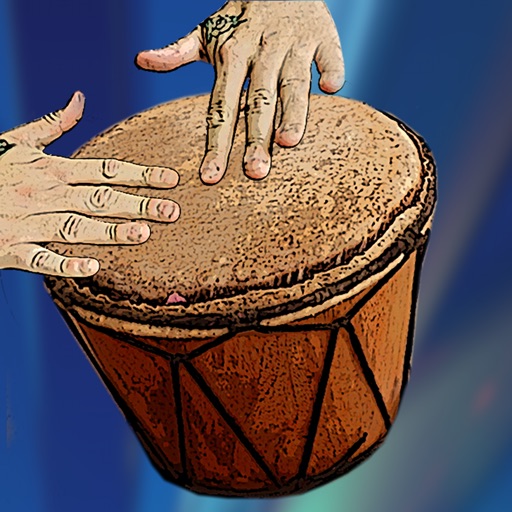
Play like bongos, conga, djembe, and more. Access 25 high-quality drum sounds. Use metronome, pocket beats, or loops. Play along to iPod music. Record and share performances. Adjust volume and effects.
Play along to songs in music library using the built in music player. Access three kits with additional kits available via in- purchase. Adjust tempo and sync with audio. Record and replay performances.
Virtual drums with four different sets: Standard, Hip-Hop, Electro, and Industrial. Sync with to along, record performances, and use on all Apple devices.
The app provides tools to master drumming on a smartphone or tablet. Users can learn with video lessons and play along with loops, experiencing the sensation of playing a real band.
Play and learn musical instruments with virtual tabs, , , and . Access songs from your music library to maintain rhythm. Adjust tuning for accuracy. Create custom beats using an MP3 player. Sync with Apple Health for progress tracking.
Create and play drum patterns using touch-based percussion instruments. Adjust tempo and volume. Record and replay performances. Export audio files. Sync with other devices for collaborative sessions.
Learn drum rhythms with real drum sound kits. Tap to receive text feedback. Access high-quality, mastered drum kit sounds. Play multiple drum kits simultaneously.