Lets users adjust brightness and contrast to analyze tones in images. They can isolate light and dark areas to study shadows and highlights. Export grayscale versions for use in drawing or painting practice.
Edit photos with 60+ presets and filters including film-inspired tones, vintage looks, moody edits, and retro grain. Apply filters live during photo capture. Export edited images in various formats and share directly.
Edit photos with healing, brush, structure, HDR, and perspective tools. Open JPG and RAW files. Save custom styles for reuse. Apply selective filters with precise control. Adjust settings non-destructively and export as JPG.
Edit photos with exposure, contrast, highlights, shadows, whites, and blacks adjustments. Modify colors with saturation, vibrance, hue, and temperature. Remove haze and fog with an intelligent filter.
Apply 800+ professional with themes like retro, vintage, and cyberpunk. Customize and use DNG feature for advanced editing. Add blockbusting overlays to enhance photos and videos. Export edited content in various formats.
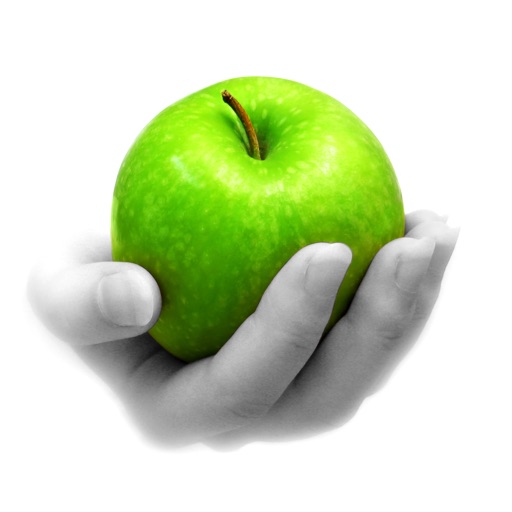
Edit photos by converting them to black and white while retaining selected details. Use multi-touch gestures to paint areas in black and white or restore original colors. Zoom in and out with two-finger pinching. Adjust and export edited images.
Edit photos and videos with 300+ filters and presets. Apply overlays and adjust colors and brightness. Save edits in multiple formats and share directly. Sync with social media platforms for seamless posting.
Edit videos with trimming, splitting, and cutting tools. Add transitions, text, and stickers. Apply filters and effects. Export in high quality. Share directly to social media platforms.
The app offers pro color tools for grading various log footage on iPhone. It features a 16-bit Metal pipeline for cinematic color, highlight roll-off, and natural tones.
The app offers over 200 overlays and 140 filters to enhance photos. Users can add typography and artworks from a selection of over 700 artworks and 150 fonts.
Capture photos and videos with manual controls for ISO, shutter speed, and white balance. Shoot in RAW format for detailed editing. Apply advanced effects and instant color grading. Use professional filters to enhance visuals.
Edit photos with filters, stickers, and makeup tools. Smooth skin by swiping over wrinkles and blemishes. Reshape face and body with 21 micro-adjustments. Beautify photos with one tap. Apply magic sky filters and other style options.