Connect to iOS device camera for live streams and meetings. Use manual controls for settings. Draw and add text via voice on video feed. Pause video to annotate. Stream via USB, HDMI, or AirPlay to Ecamm, OBS, or Zoom.
Edit photos to convert them into and with adjustable contrast, brightness, and grain. Apply filters and vintage effects. Crop, rotate, and add text overlays. Save and share edited images in various formats.
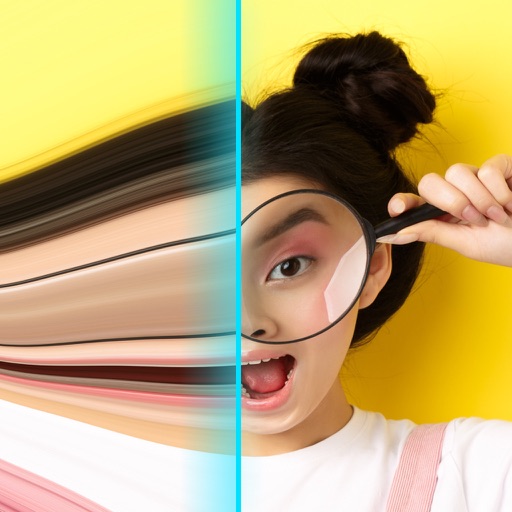
Record videos with - effects by capturing footage and adjusting scan speed, direction, and timer. Freeze or stretch specific parts of the frame to create surreal visuals. Share the edited videos directly from the .
Create DSLR-style photos with background blur by selecting focus areas. Apply various filter effects for natural and realistic results. Adjust focus precision for professional-quality images.
Create stickers using images from the internet, camera, or photo library. Edit with text, animations, and effects. Export in JPEG, PNG, or WEBP formats. Share stickers via WhatsApp, iMessage, Telegram, and other platforms.
Take high quality photos and videos using triple and dual systems. Adjust exposure and use 10x zoom for both photos and videos. Record HDR videos with real time zoom and smooth focus. Switch between lenses automatically or manually.
Plan photo sessions using and timings. Access sunrise and sunset data. View weather conditions and light quality forecasts. Save and share location-based photography tips.
Edit and remove data from photos to protect privacy. View detailed metadata including location, date, and camera settings. Export photos without metadata. Share edited files directly.
RAY INFORMATICS YAZILIM TEKNOLOJI MEDYA DANISMANLIK VE EGITIM TICARET LIMITED SIRKETI
Elements for cinematic effect
Create cinematic effects by blurring background elements while keeping subjects in focus. Use AI-powered segmentation to isolate people and objects. Adjust intensity and apply motion for dynamic scenes.
Enhance photos with Hi-Def, Scenery, Food, Portrait, and Night modes. Apply over 100 free and purchasable filters. Add stickers, frames, and overlays. Touch up selfies with redey tool. Share edited photos directly.
The app offers three shooting modes: Square Frame 1:1, Classic 4:3, and HD 16:9. It provides manual control over focus and exposure, with options for multiple frame rates and sizes, including 4K.
Use the to capture or select a reference image for painting. Adjust the canvas size to match the chosen window. Access grid options like the golden ratio or use no grid.
The app transforms photos into surreal art with 15 animated effects like comic-book ink, VHS, and glitch. Users can import photos or use the camera to capture images and apply real-time, on-device rendering.
Apply image filters with four themes and 41 options including bright, warm, magenta, and cyan. Adjust manual controls for lens focus, exposure, shutter speed, ISO, and white balance.
The app allows users to view live video from IPCameras without complex network setup. It supports two-way audio, screenshots, and real-time recording with playback capabilities.